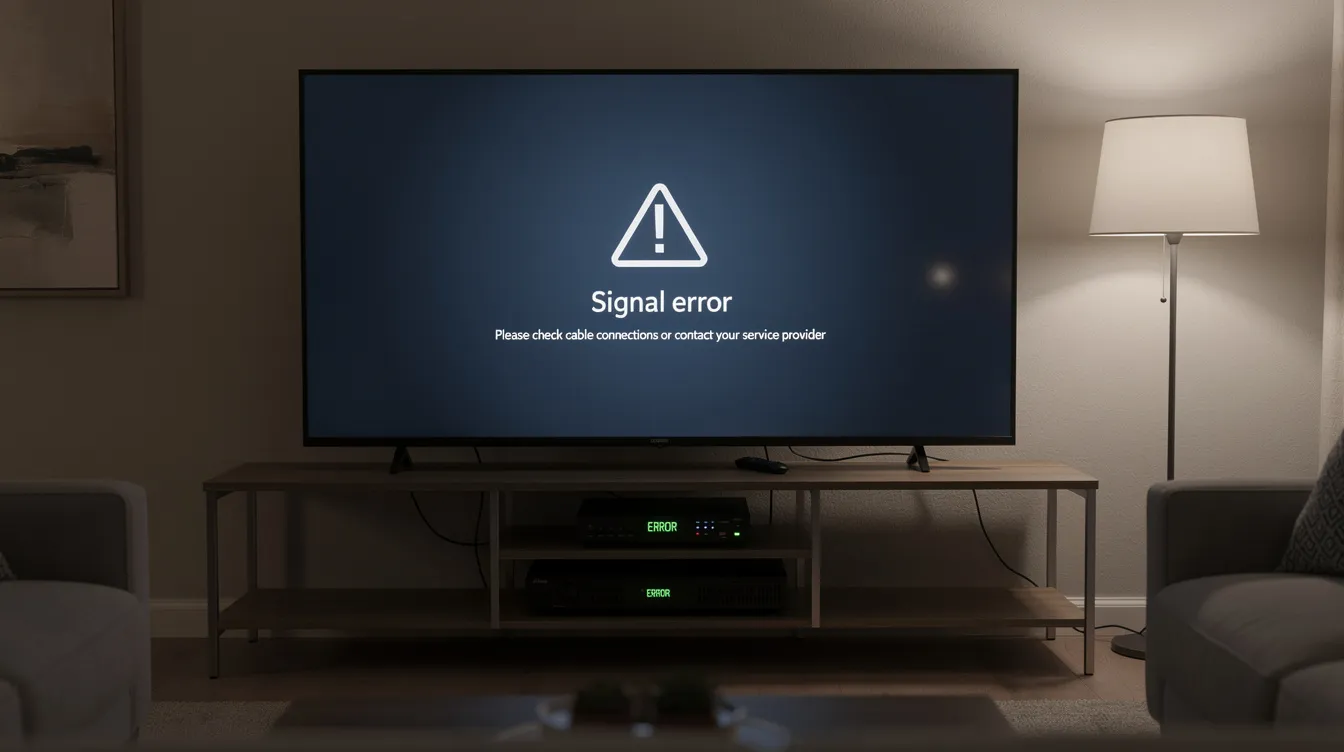
DStv Error Codes tell you what has interrupted your viewing and where to start fixing the problem-signal, subscription, smartcard, decoder communication, cable connection, LNB, or dish alignment. If your tv screen shows E48-32, E16, E30, E107, E143, or another DStv error message, the right troubleshooting steps can often clear error messages quickly. However, when the error persists phone MultiChoice or book a technician, especially if the fault involves signal loss, ExtraView, damaged cabling, or roof-mounted satellite dish installation.
Expert DStv Error Code Resolution Services
We provide professional diagnosis and repair for all major DStv Error Codes in Cape Town and the Western Cape, including E48-32, E16, E30, E107, E143, E17, E18, E19, E32, E73, E74, and E75. DStv error codes indicate disruptions in service, and most codes point to a specific problem with the dstv decoder, satellite dish, dstv smartcard, subscription status, LNB, cable run, or service network.
Our technicians help homes and businesses fix errors fast with same-day service where available. Same-day service is often available for urgent DStv repairs, especially when customers have no picture, no channels, a scrambled message, or complete dstv signal loss after bad weather.
We troubleshoot:
- Signal errors: E48-32, searching for signal, low signal strength, poor signal quality, and rain fade.
- Subscription errors: E16, E17, E19, E30, E32, empty bouquet, wrong package, and account validation issues.
- Smartcard errors: E04, E107, incompatible conditional access, inserted incorrectly, faulty smart card, or decoder unable to read smartcard.
- Hardware errors: faulty connection, damaged HDMI lead, HDCP errors, LNB overload, decoder faults, and power supply problems.
- XtraView errors: E143, wrong home network, primary viewing environment faults, secondary viewing environment faults, and decoder communication errors.
For official troubleshooting information, users can also visit DStv, while industry updates and decoder news are often discussed on MyBroadband and TechCentral. Subscribers can also find additional decoder information through MultiChoice and DStv Help Centre resources.
CTA Button: Get Your DStv Errors Fixed Today!
Why Understanding DStv Error Codes Matters
DStv Error Codes matter because they help identify whether the problem is with the decoder, signal, subscription, smartcard, installation, or MultiChoice account. Instead of guessing, the error code gives you a starting point. As a result, you can decide whether to restart the decoder, check payment, login to dstv self service, inspect the satellite dish, or contact customer care.
DStv error codes typically require user intervention for resolution through apps or manual checks. Many DStv errors can be resolved quickly using the MyDStv App or other self-service options. For example, if the service is currently scrambled, your subscription may need to be refreshed. If the decoder says no signal, the cause may be the satellite dish, LNB, f connectors, or cable.
Understanding each error code also prevents extended downtime. If you know that E48-32 indicates signal loss on some channels, you can immediately inspect signal strength and signal quality instead of changing your package. Likewise, if you know that E16 signifies a service currently scrambled due to account activities or payment failures, you can check whether you have paid, phone MultiChoice if necessary, and confirm your subscription status.
Correct diagnosis also saves money. Some errors are simple. For instance, power cycling the decoder can clear temporary glitches, and a decoder reset can often resolve signal issues and subscription validation problems. However, complex issues such as dish misalignment, damaged coaxial cable, XtraView heartbeat failure, and LNB replacement usually need professional tools.
In Cape Town, understanding DStv Decoder Errors is especially useful because bad weather, coastal corrosion, heavy winds, storms, and rain fade can affect DStv signal reception. Signal strength must exceed 85% for optimal performance, and signal quality must remain above 75% to avoid E48-32 and other viewing interruptions. Professional installation ensures optimal signal strength above 85%, stable decoder communication, and fewer recurring errors.
Our DStv Error Code Services
Residential Error Code Solutions
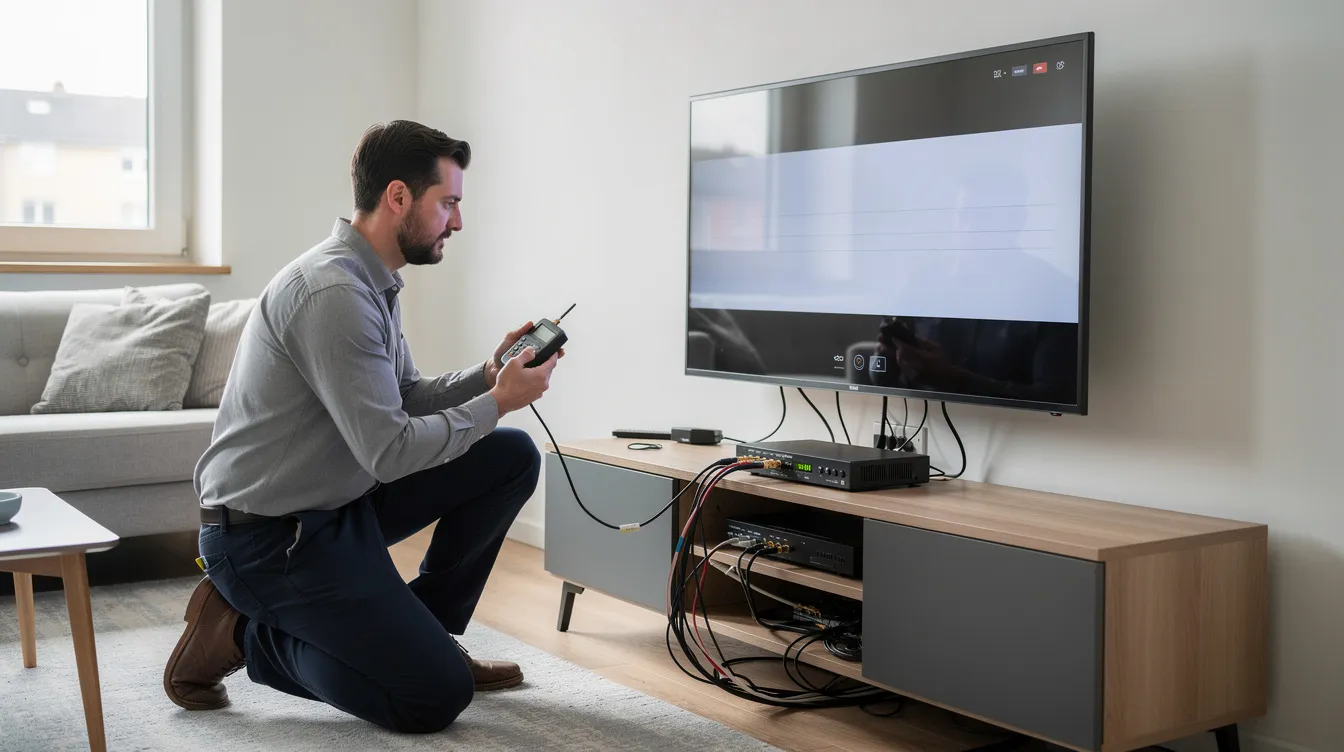
We offer complete error diagnosis for homes across Cape Town and the Western Cape. Whether your tv screen shows DStv E48-32, DStv Error E16, DStv Error E30, E107, E32, E143, or a smartcard message, we identify the cause and restore access to your channels list.
Our residential DStv Error Solutions include signal testing, dish realignment, decoder reset, smartcard checks, cable inspection, LNB replacement, and dstv remote control support. If your remote control device is not responding, we can also help test batteries, settings, decoder pairing, and basic navigation such as press TV, menu, information, or channel number functions.
For DStv E48-32, we measure both signal strength and signal quality. Signal strength should exceed 85% for optimal performance, while signal quality must remain above 75% to avoid issues. If the signal is low, we inspect the satellite dish, LNB arm, f connectors, coaxial cable, and decoder input. We also check whether heavy winds or storms moved the dish, because weather-related signal issues affect many satellite systems globally, including services offered by DStv and Openview.
We also repair decoder-related faults. A faulty HDMI connection may cause HDCP errors, and damaged ports can prevent the decoder from displaying properly. Smartcard errors occur when the card is not properly inserted or is faulty. If the smartcard is inserted incorrectly, remove it, clean the chip with a soft dry cloth, reinsert it correctly, and wait for the decoder to read smartcard details.
Commercial DStv Error Support
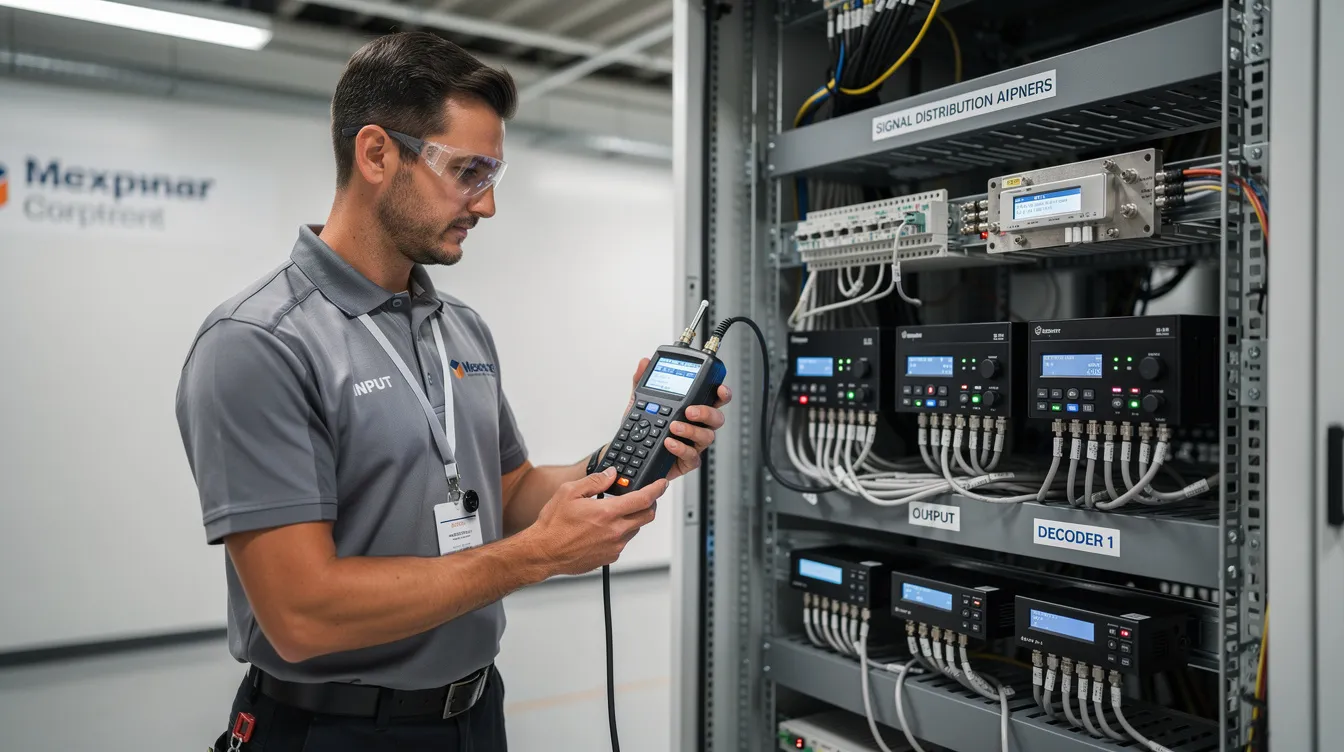
Commercial DStv Technical Support requires faster response and deeper system knowledge. Hotels, restaurants, guesthouses, bars, offices, apartment blocks, and retail spaces often rely on multi-decoder systems, communal dishes, distribution amplifiers, ExtraView, and XtraView setups.
We troubleshoot DStv Error Messages across commercial environments, including:
- E143 communication faults between primary viewing environment and secondary viewing environment decoders.
- Wrong home network messages.
- Missing channels where channels exist in the package but do not display.
- Scrambled service on selected channel groups.
- Communal dish and LNB problems.
- Service network faults affecting multiple rooms.
- Decoder configuration errors across different dstv decoder models.
E143 suggests the decoder is not communicating, often for XtraView setups. In practice, this may involve a faulty connection, damaged heartbeat cable, incorrect user band settings, wrong decoder role, or a primary decoder that has been switched off. Additionally, business systems may show subscription, package, or account-related messages if payment has not reflected.
We provide priority support to minimize business disruption. For sports venues, we also check access to live sport channels and guide customers to official content sources such as SuperSport. For streaming and hybrid viewing environments, services such as Showmax may also be part of the entertainment setup, so we help separate satellite decoder errors from internet or app-based issues.
Top 10 Most Common DStv Error Codes
- E48-32: No Signal – Most frequent error caused by dish alignment or weather
E48-32 indicates signal loss on some channels, and E48-32 indicates signal loss from the satellite dish. It is one of the most common DStv Signal Errors in Cape Town. Causes include bad weather, rain fade, loose cable, damaged LNB, faulty connection, poor dish alignment, or corroded fittings. E48-32 can be caused by subscription or smartcard issues as well, although physical signal problems are more common. - E16: Subscription or decoder authorization problems
E16 signifies a service currently scrambled due to account activities or payment failures. If your tv screen says service is currently scrambled, check your subscription, package, payment, and multichoice account. If you have paid phone MultiChoice or use self service to refresh the decoder. - E30: Service temporarily unavailable or payment issues
DStv Error E30 usually appears when the decoder is checking subscription status or waiting for account validation. It can happen after payment, package upgrade, decoder reset, or a long period disconnected from the service network. Wait a few minutes, then use dstv self service if the message remains. - E04: Smartcard removed or incorrectly inserted
E04 often appears when the smartcard has been removed, inserted incorrectly, or cannot be read. Remove the dstv smartcard, wipe the gold chip with a soft dry cloth, and reinsert it carefully. - E18: Faulty or misinserted smartcard
E18 errors relate to channel authorisation problems. In some cases, E18 also appears when the smartcard is not properly authorised for a channel, when the channel number is not part of the package, or when the decoder cannot confirm access. - E19: Another faulty smartcard error
E19 is commonly linked to expired access, account validation, or smartcard authorisation. E17 indicates subscription expiration or overdue payment, while E19 may also appear when the subscription has lapsed and the decoder has not received the updated entitlement message. - E143: Scrambled service due to unpaid account
E143 is sometimes confused with a scrambled or unpaid account message. However, E143 suggests the decoder is not communicating, often for XtraView setups. Check the primary viewing environment, secondary viewing environment, heartbeat cable, user band settings, and whether the primary decoder is powered on. - E107: Smartcard not paired with decoder
E107 means the smartcard number and decoder are not correctly paired. This may happen after a decoder replacement, card swap, incorrect card insertion, or backend pairing error. Contact MultiChoice or use DStv self service to link the smartcard. - E17: Decoder activation in progress
E17 may be seen during activation, but E17 indicates subscription expiration or overdue payment in many cases. Check payment status, account balance, and whether the package is active. - E32: Decoder disconnected too long or validation issues
E32 usually means validation is in progress or the decoder has not received entitlement updates for some time. Keep the decoder powered, wait for the message to clear, and use self service if the error persists.
| Error Code | Main Meaning | Quick Check | When To Call A Technician |
|---|---|---|---|
| E48-32 | Signal loss / no signal | Check weather, cables, LNB, dish alignment | If signal strength is below 85% or quality below 75% |
| E16 | Service scrambled | Check account, payment, package | If paid but channels remain scrambled |
| E30 | Subscription checking | Wait, reset, refresh via MyDStv App | If error remains after validation |
| E04 | Smartcard removed | Reinsert card correctly | If decoder cannot read card |
| E18 | Channel authorisation | Check package and channel access | If authorised channels do not open |
| E19 | Subscription expired | Pay or refresh account | If payment reflected but error remains |
| E143 | XtraView communication | Check heartbeat and primary decoder | If wiring or user bands are complex |
| E107 | Pairing problem | Link smartcard to decoder | If pairing fails |
| E17 | Subscription overdue / activation | Confirm payment and account | If account is active but decoder blocked |
| E32 | Validation issue | Keep decoder on and refresh | If decoder remains disconnected |
Signal interruptions are among the most frequently reported issues on DStv support platforms and satellite television forums. Therefore, always separate signal problems from account problems before paying for unnecessary hardware.
Our DStv Error Code Resolution Process
Step 1: Remote Diagnosis
We begin with a remote assessment of the error code, decoder model, symptoms, and recent events. For example, we ask whether the error appeared after bad weather, payment, power failure, installation work, package upgrade, decoder replacement, or cable movement.
During the call, we may guide you through basic troubleshooting steps:
- Check that the decoder is powered on.
- Confirm the TV input or HDMI source.
- Power cycle your decoder by unplugging for 10 seconds.
- Use the dstv remote control to check menus, signal levels, dstv tv guide, tv guide data, and channels list.
- Confirm whether the problem affects one channel, several channels, or all services.
- Check subscription status through the MyDStv App, website, or self service.
- Confirm smartcard number and account details.
- Check whether a parental pin code, incorrect pin, parental guidance, pg block restriction levels, or restriction prohibits access to the channel.
If the error is account-related, we may advise you to login, pay, refresh the decoder, wait, or contact customer care. If the error persists phone MultiChoice, especially where the multichoice account is active but access remains blocked.
Step 2: On-Site Signal Testing
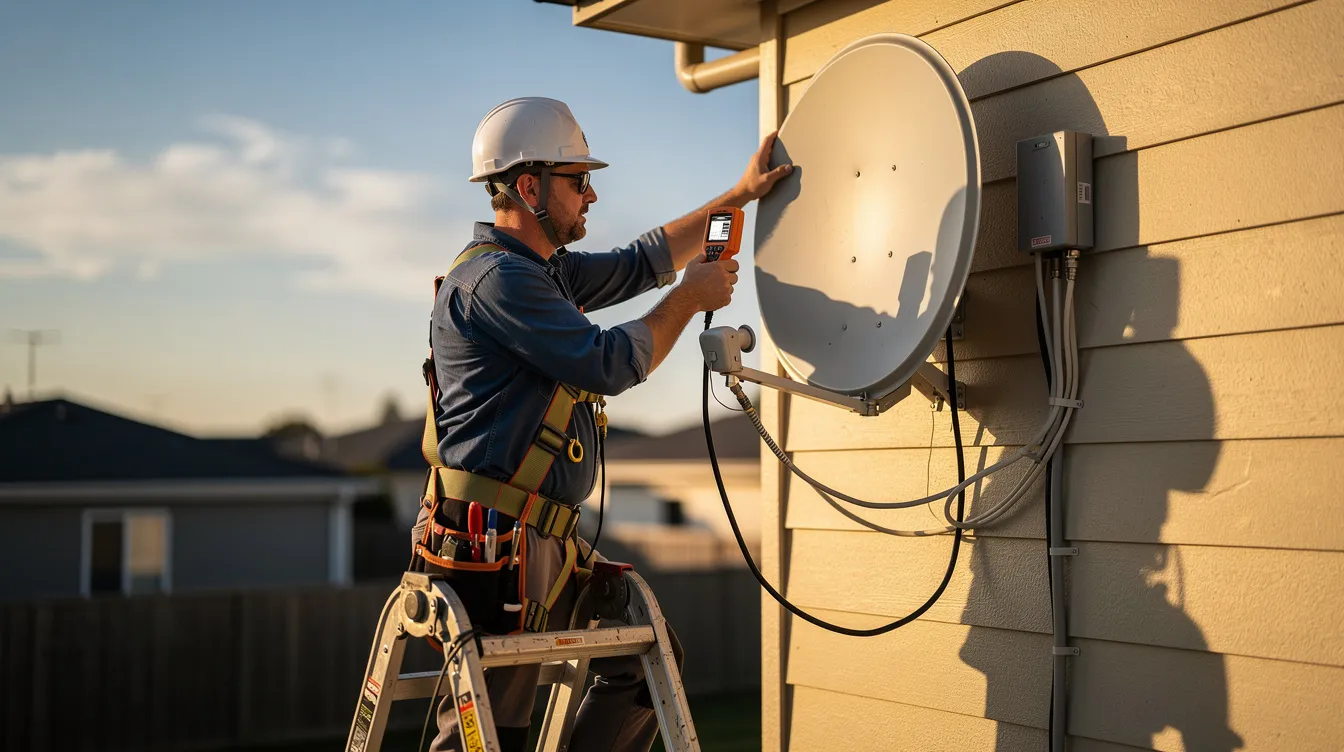
If remote support does not resolve the fault, we perform on-site signal testing. This is essential for DStv E48-32, searching for signal, unstable channels, missing artist information, incomplete guide data, or intermittent sound and picture.
We measure signal strength and signal quality using professional equipment. Signal strength must exceed 85% for optimal performance. Signal quality must remain above 75% to avoid E48-32. If quality is low while strength looks acceptable, the fault may be skew angle, interference, moisture ingress, LNB degradation, or poor alignment.
Our inspection includes:
- Satellite dish condition.
- Dish bracket and wall mount.
- LNB position and skew.
- Coaxial cable route.
- F connectors and weather seals.
- Decoder input ports.
- HDMI cable and HDCP compatibility.
- Smartcard slot and decoder ventilation.
- ExtraView heartbeat wiring where applicable.
Inspect all cable connections for looseness or corrosion. Inspect LNB cable connections for loose or corroded fittings, especially in coastal suburbs where salt air damages exposed metal. A short circuit in cable connections can cause LNB overload errors E73, E74, and E75.
Step 3: Professional Repair
Once the root cause is identified, we complete the correct repair. We do not guess, because DStv Error Codes can look similar even when the causes are different.
Common repairs include:
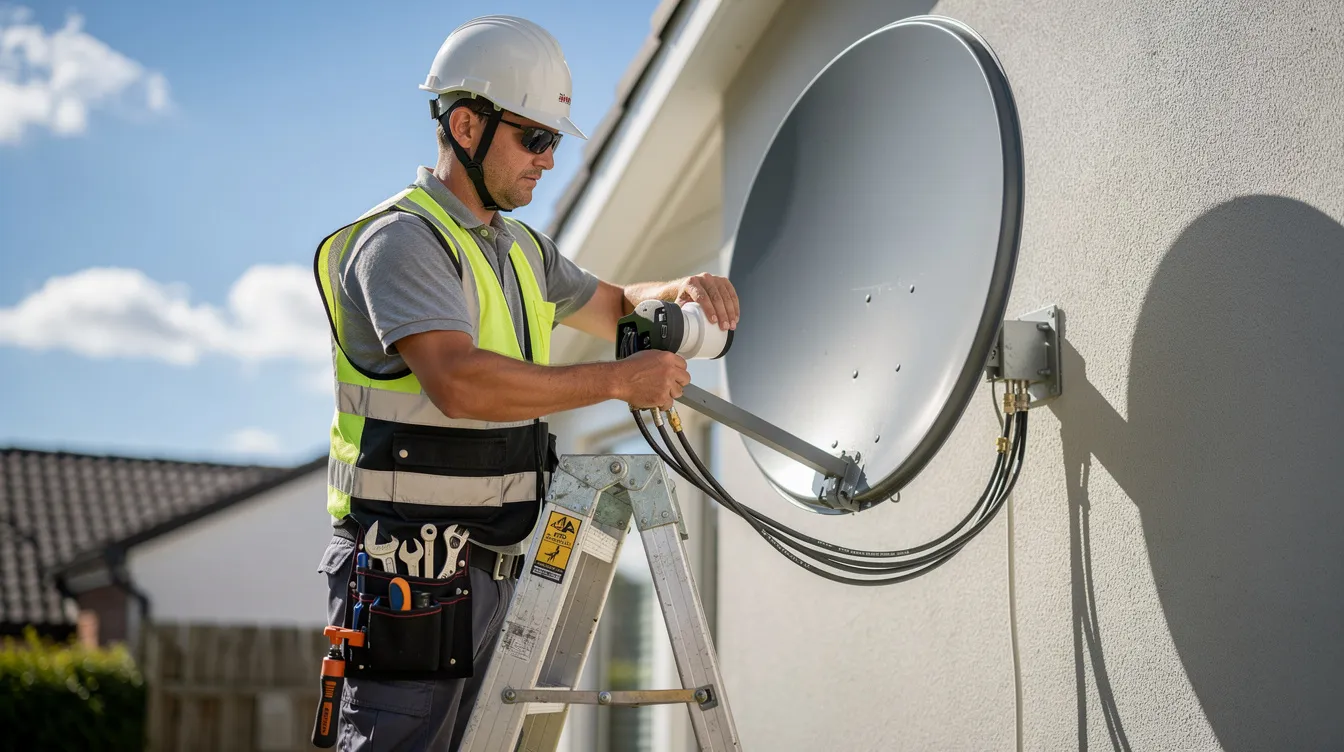
- Realign satellite dish for consistent signal reception.
- Replace damaged or waterlogged LNB.
- Replace corroded f connectors.
- Replace sun-damaged coaxial cable.
- Repair faulty connection points.
- Configure user bands for Explora and Smart LNB systems.
- Resolve wrong home network and XtraView communication faults.
- Repair decoder setup problems.
- Replace faulty HDMI cable causing HDCP errors.
- Perform decoder reset or software checks.
- Re-authorise smartcard and package access.
LNB and cable replacements are common DStv repair services. DStv installations include satellite dish and decoder setup, but long-term performance depends on proper alignment, weatherproofing, cable quality, and correct decoder configuration. Expert technicians handle complex DStv installation issues, especially where multiple decoders, old wiring, and mixed dstv decoder models are involved.
Step 4: Testing and Prevention
After repair, we test every relevant channel, confirm the dstv signal, check the dstv tv guide, verify tv guide data, and confirm that error messages have cleared. We also check that the decoder can access the correct package and that services such as sports, movies, news, children’s channels, and audio channels open correctly where included.
We then provide prevention advice. For example, if your satellite dish moved during strong wind, we recommend stronger mounting. If corrosion caused a faulty connection, we recommend weatherproof fittings. If your account regularly shows DStv Error E30 or E32 after payment, we recommend using the MyDStv App and keeping proof of payment until subscription status updates.
Customer Success Stories
“Our decoder showed E48-32 after a weekend storm, and we had no picture on several channels. The technician tested the signal quality, found corroded LNB fittings, replaced the connectors, and realigned the dish. Our signal strength went above 85%, and the picture came back immediately.”
– Homeowner, Muizenberg
“We run a small guesthouse and had E143 on two secondary decoders. The team found a wrong home network setting and a faulty heartbeat connection between the primary viewing environment and secondary viewing environment. The repair was quick, and our guests had TV again the same day.”
– Guesthouse Owner, Stellenbosch
“Our account was paid, but the decoder still showed E16 service is currently scrambled. We were advised to check subscription status, refresh through DStv self service, and contact MultiChoice when the error did not clear. The technician also confirmed there was no signal fault, saving us from replacing equipment unnecessarily.”
– Customer, Wynberg
“We had recurring DStv Error E30 and E32 after load shedding. A decoder reset helped temporarily, but the technician later found weak signal quality and a damaged cable. After replacement, the errors stopped coming back.”
– Homeowner, Durbanville
Reliable DStv Troubleshooting Guide support is not only about clearing one error message. It is about identifying why the error happened and preventing the same problem from returning.
Frequently Asked Questions
What does DStv Error E48-32 mean?
DStv Error E48-32 means the decoder is not receiving a usable satellite signal. E48-32 indicates signal loss on some channels, and E48-32 indicates signal loss from the satellite dish. It can appear after bad weather, heavy wind, storms, rain fade, dish movement, LNB failure, cable damage, or loose f connectors.
First, check whether the weather is severe. Then inspect the cable from the wall to the decoder. Next, power cycle the decoder. Finally, check signal strength and signal quality in the decoder menu. Signal strength should exceed 85% for optimal performance, and signal quality must remain above 75% to avoid issues.
DIY troubleshooting is appropriate if the cable is loose, the decoder needs a reset, or the dish is accessible without risk. However, call a technician if the satellite dish is on the roof, the error returns after rain, the signal quality remains low, or the installation needs alignment.
Can I fix DStv error codes myself?
Yes, some DStv Error Codes can be fixed yourself. Many DStv errors can be resolved quickly using the MyDStv App or other self-service options. You can restart the decoder, check the HDMI cable, inspect the smartcard, confirm payment, verify package access, and refresh the decoder through dstv self service.
Try these simple checks:
- Power cycle your decoder by unplugging for 10 seconds.
- Confirm the HDMI input on the TV.
- Remove and reinsert the smartcard correctly.
- Clean the smartcard chip with a soft dry cloth.
- Check your subscription status.
- Confirm the channel is included in your package.
- Use self service to clear error messages.
- Wait for account validation after payment.
- Contact MultiChoice if payment has reflected but access is still blocked.
However, complex issues need professional diagnosis. These include dish alignment, LNB replacement, damaged coaxial cable, XtraView E143 faults, LNB overload errors E73, E74, and E75, and recurring signal loss.
How long do DStv error code repairs take?
Simple DStv Error Solutions can take a few minutes. For example, a decoder reset, smartcard reinsertion, payment refresh, or self-service clear error request may work quickly. E16, E30, E17, E19, and E32 often depend on account validation, so the decoder may need to remain powered while the service network updates.
On-site repairs usually depend on the fault. A loose connector may be fixed quickly. Dish alignment may take longer because the technician must measure signal strength and signal quality accurately. LNB and cable replacements are also common DStv repair services and may require extra time if the cable route is difficult.
Same-day service is often available for urgent DStv repairs in Cape Town, especially for no-signal faults, commercial viewing interruptions, restaurants, guesthouses, and customers who need DStv Technical Support before an event.
Why do error codes keep recurring?
Recurring errors usually mean the root cause was not fixed. A decoder reset may clear the message temporarily, but the same error will return if the cable is damaged, the LNB is weak, the satellite dish is loose, or the account still has validation problems.
Common recurring causes include:
- Poor dish alignment.
- Water inside cable joints.
- Corroded f connectors.
- Weak signal quality.
- Signal strength below 85%.
- Signal quality below 75%.
- Faulty LNB.
- Unstable power supply.
- Smartcard issues.
- Wrong package or empty bouquet.
- Incorrect ExtraView setup.
- Wrong home network configuration.
- Decoder software or validation delays.
In Cape Town, coastal air and seasonal storms can make small installation problems worse. Therefore, annual inspection, professional servicing, and proper weatherproofing are recommended.
What are the most common DStv error codes?
The most common DStv Error Codes include E48-32, E16, E30, E04, E18, E19, E143, E107, E17, and E32. Common causes for DStv errors include subscription issues and signal problems. Smartcard issues can cause multiple DStv error codes, while faulty cable connections and dish misalignment often cause no-signal messages.
How do I clear DStv Error E16?
DStv Error E16 means the service is currently scrambled, often due to account activities, package mismatch, or payment failures. Check whether the channel is included in your package, confirm payment, login to the MyDStv App, and use self service to clear error. If you paid phone MultiChoice and ask customer care to confirm the subscription status on your multichoice account.
Can weather cause DStv error messages?
Yes. Bad weather, heavy winds, storms, dense cloud, and rain fade can affect DStv signal reception. Heavy winds or storms can affect DStv signal reception, referred to as rain fade. Rain can reduce signal strength, while wind can move the satellite dish slightly out of alignment. If E48-32 continues after the weather clears, the dish may need realignment or the LNB cable connections may have moisture damage.
Can a faulty LNB cause decoder errors?
Yes. A damaged LNB can cause E48-32, searching for signal, unstable channels, missing guide information, and intermittent viewing. In addition, a short circuit in cable connections can cause LNB overload errors E73, E74, and E75. Inspect the LNB, cable, and connectors for damage, looseness, corrosion, or water ingress.
How do I check DStv signal strength?
Use the dstv remote control and open the decoder settings menu. The exact menu path differs between dstv decoder models, but most decoders have a signal detection or satellite settings section. Check both signal strength and signal quality. Signal strength should exceed 85% for optimal performance, while signal quality must remain above 75% to avoid E48-32 and similar errors.
When should I call a DStv technician?
Call a technician if the error involves dish alignment, damaged cabling, LNB replacement, complex XtraView settings, wrong home network errors, recurring E48-32, LNB overload, or a decoder that cannot read the smartcard after basic checks. You should also call if the satellite dish is mounted high, because roof work is unsafe without the right tools.
Many homeowners also consult HomeImprovement4U and Bark when looking for qualified service providers and technical specialists. For wider South African technology updates, ITWeb is also a useful resource.
How can I prevent future DStv problems?
Prevent future DStv Error Messages by keeping the dish secure, checking cables, sealing outdoor connectors, using surge protection, and scheduling periodic signal testing. Professional servicing helps keep signal strength above 85%, signal quality above 75%, and decoder configuration stable.
Get Your DStv Errors Fixed Today
Professional DStv Error Resolution in Cape Town
Don’t let DStv Error Codes interrupt your entertainment, sport, news, movies, children’s viewing, or business service. Whether you are dealing with DStv Error E48-32, DStv Error E16, DStv Error E30, smartcard errors, signal loss, dish alignment problems, faulty LNBs, HDCP faults, subscription validation issues, or decoder communication problems, professional help can restore your viewing experience quickly and correctly.
Our experienced DStv technicians provide expert troubleshooting, signal testing, decoder repairs, dish realignment, LNB replacement, cable replacement, ExtraView diagnostics, smartcard support, and complete DStv system checks. We identify the root cause of the error and implement long-lasting solutions to help prevent recurring issues.
We assist with:
- Residential DStv decoder errors.
- Commercial DStv technical support.
- Satellite dish installation and alignment.
- Signal strength and signal quality testing.
- LNB and cable replacements.
- Decoder setup and reset.
- Smartcard and subscription troubleshooting.
- XtraView primary and secondary decoder faults.
- Faulty connection repair.
- DStv signal restoration after storms.
If your decoder shows an error, start with simple checks: restart, inspect cables, confirm subscription, check the smartcard, and use DStv self service. If the error persists phone MultiChoice for account-specific support, or contact a local technician for signal, installation, and hardware faults.
Phone: Contact us for fast Cape Town support
Email: Request a DStv error code assessment
Service Area: Cape Town, Southern Suburbs, Northern Suburbs, Atlantic Seaboard, Cape Flats, Stellenbosch, Somerset West, and the wider Western Cape
Get Your DStv errors fixed today!