What Does E48-32 Mean? (DStv No Signal Guide for Cape Town & Western Cape)
If your DStv screen suddenly goes blank and displays the dreaded E48-32 error, you are not alone. Thousands of viewers across Cape Town and the Western Cape encounter this frustrating message, especially during stormy winter months. So, what does e48 32 mean exactly? In short, E48-32 translates to “No Signal,” and it tells you that your decoder cannot lock onto the satellite. This guide breaks down every cause, walks you through practical fixes, and shows you when professional help from Sat Digital is the smartest move.
Key Takeaways
The e48 32 error on your dstv decoder means “no signal” – the decoder cannot communicate with the satellite dish, usually because of bad weather, dish misalignment, or a faulty connection in the installation.
Most E48-32 errors stem from dstv signal problems such as a misaligned dstv dish, faulty lnb, damaged cables, or rain fade during storms. Loose or corroded cables alone account for 40% of cases.
Quick DIY checks to try first: reboot the decoder, check cable connections at the back of the unit, inspect the dish and lnb visually from the ground, and look for obstructions like trees or buildings.
If the e48 32 error persists after basic checks, a professional accredited installer like Sat Digital in Cape Town should realign the dish, test signal, and replace faulty parts using professional meters.
Ready for help? Call Sat Digital on 071 304 6955 or email info@satdigital.co.za for same-day dstv signal repair in Cape Town and the Western Cape.
What Is DStv Error E48-32? (Quick Explanation)
E48-32 means “There is no signal. This may be due to bad weather or a faulty connection in the installation.” The designation identifies a break in the transmission path between the satellite and the viewer’s hardware, preventing channels from loading.
On screen, you will typically see “Searching for signal – E48-32” or “No signal – E48-32” against a blue or black background with missing channels. This dstv error interrupts live tv, sport on SuperSport, and recording schedules on pvr decoders because the decoder is not receiving a usable satellite signal.
Crucially, E48-32 indicates a reception issue – dish, lnb, cabling, weather, or obstruction – not a subscription or smartcard problem like E16 or E30. Sat Digital routinely handles E48-32 callouts across Cape Town suburbs and Western Cape towns for both homes and commercial sites such as hotels, guesthouses, bars, and offices.
What Does E48-32 Mean On DStv? (In More Detail)
E48-32 is a dstv “no signal” or “searching for signal” code that appears when the decoder cannot communicate properly with the satellite via the dish and lnb. E48-32 signifies a complete or partial loss of satellite signal, and understanding the signal chain helps explain why.
The dstv decoder constantly talks to the satellite; when signal quality drops below a safe threshold, channels freeze, pixelate, then show the E48-32 error message.
E48-32 can affect all channels or only certain transponders (for example, some SuperSport or international channels) depending on which frequencies are most affected by the fault.
The dstv signal chain runs from the dish to the lnb, through the coaxial cable, into the decoder tuner – a problem anywhere in this chain can trigger the e48 32 error.
If E48-32 appears during clear weather and after a reboot, the cause is usually installation related. An accredited installer near you, such as Sat Digital, should inspect the system.
What Causes E48-32 Errors?
E48-32 can have multiple causes – often a combination of weather, hardware wear, and installation quality. Common causes of E48-32 include dish misalignment and cable faults, but decoder software glitches account for 25% of cases of E48-32 as well. Some causes you can visually check yourself (cables, plant growth, loose connectors), while others (fine dish alignment, lnb testing) need a signal meter and professional tools.
Sat Digital technicians use professional field strength meters and spectrum analysers to pinpoint E48-32 causes quickly on-site across Cape Town and Western Cape coastal areas.
Satellite Dish Misalignment
Small shifts in the dstv dish angle from wind, accidental bumps, or poor original installation can knock it off the correct satellite position. Dish misalignment is responsible for 20% of E48-32 cases, and incorrect dish alignment leads to signal loss even when everything else is working fine.
Common signs include E48-32 appearing especially in the evenings, channels breaking up in windy conditions, or only some channels losing signal while others remain stable. Even a few millimetres of movement at the lnb arm can mean several kilometres off target at the satellite.
DIY attempts to move the dish by “trial and error” often make things worse. Sat Digital can realign the dish accurately with professional test equipment.
Faulty LNB (Low Noise Block)
The lnb is the small device on the end of the dstv dish arm that receives the satellite signal and converts it into a signal the decoder can understand. LNB failure accounts for 10% of cases involving error E48-32.
Age, UV exposure from the Cape Town sun, salt in coastal air, and water ingress from bad weather can all cause lnb failure. Typical symptoms include E48-32 during or after rain, intermittent “searching for signal,” or one decoder in an Extra View setup losing signal while others work.
Sat Digital can test the lnb with a meter and replace it with the correct DStv-approved single, twin, smart, or quad lnb type where required.
Damaged Coaxial Cable
The coaxial cable carries the dstv signal from the dish to the decoder and is vulnerable to wear, rodents, tight bends, or being crushed in doors and windows. Cable damage can result in the E48-32 error, and loose or corroded cables account for 40% of E48-32 cases according to industry service data.
Inspect the signal cable for cuts or breaks. Visible issues to look for include cracked insulation, exposed copper, cable joints wrapped only in insulation tape, or cables lying on roofs without clips. Water running into damaged cable during bad weather can cause temporary E48-32 errors that seem to disappear once the sun dries the cable.
Sat Digital routinely replaces old or low-grade cable with high-quality RG6 and compression fittings for reliable long-term signal.
Loose Cable Connections
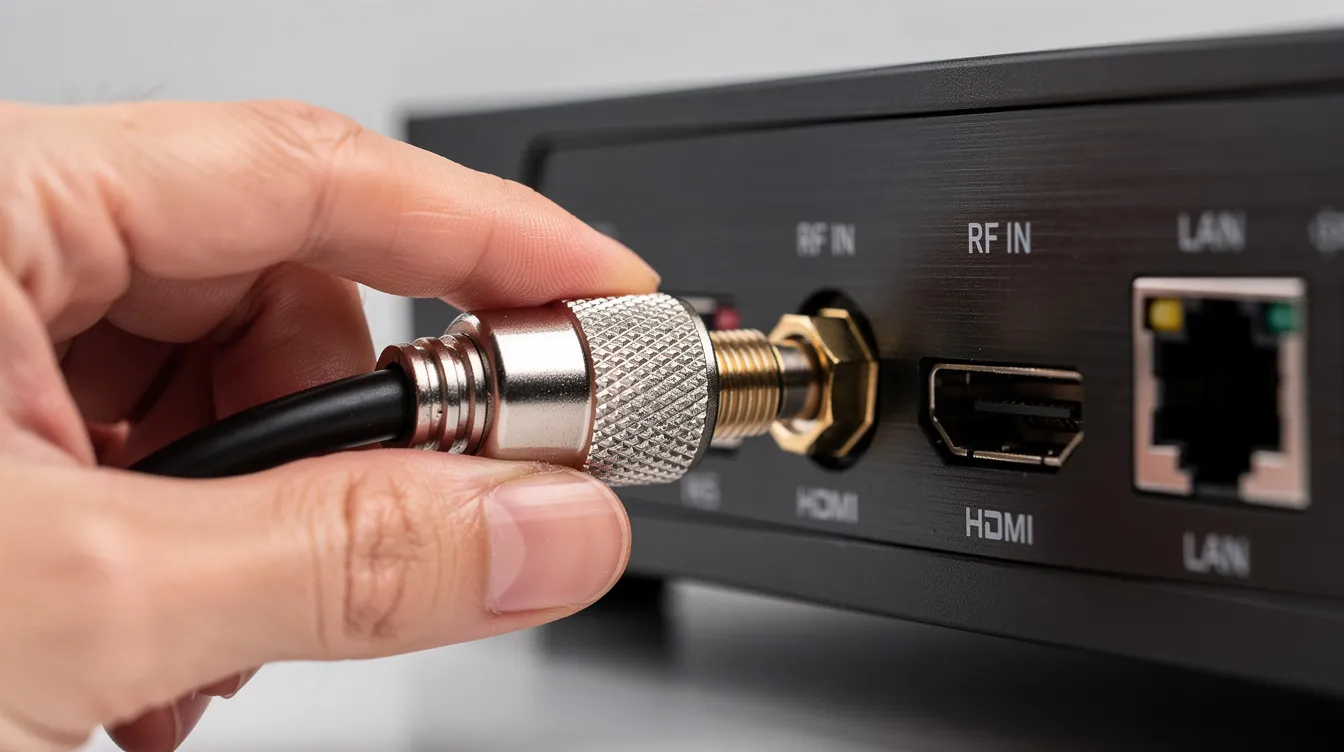
Check F-connectors at the back of the decoder and at the lnb. Ensure they are finger-tight and that no copper braid is touching the centre conductor. Poorly fitted connectors, “twist-on” plugs, or corroded connections introduce signal loss and can cause intermittent e48 32 errors whenever the cable is moved.
Refitting suspect ends using proper compression or crimp connectors is recommended, preferably by a technician with the correct tools. Sat Digital can tidy up messy installations, replace old connectors, and label each cable clearly for easier future fault finding.
Bad Weather Conditions (Rain, Wind, Storms)
Bad weather conditions can disrupt satellite signals. Heavy rain, thunderstorms, strong coastal winds, and thick cloud can all reduce signal strength and cause temporary E48-32 errors. Bad weather can cause the E48-32 error message even on well-installed systems.
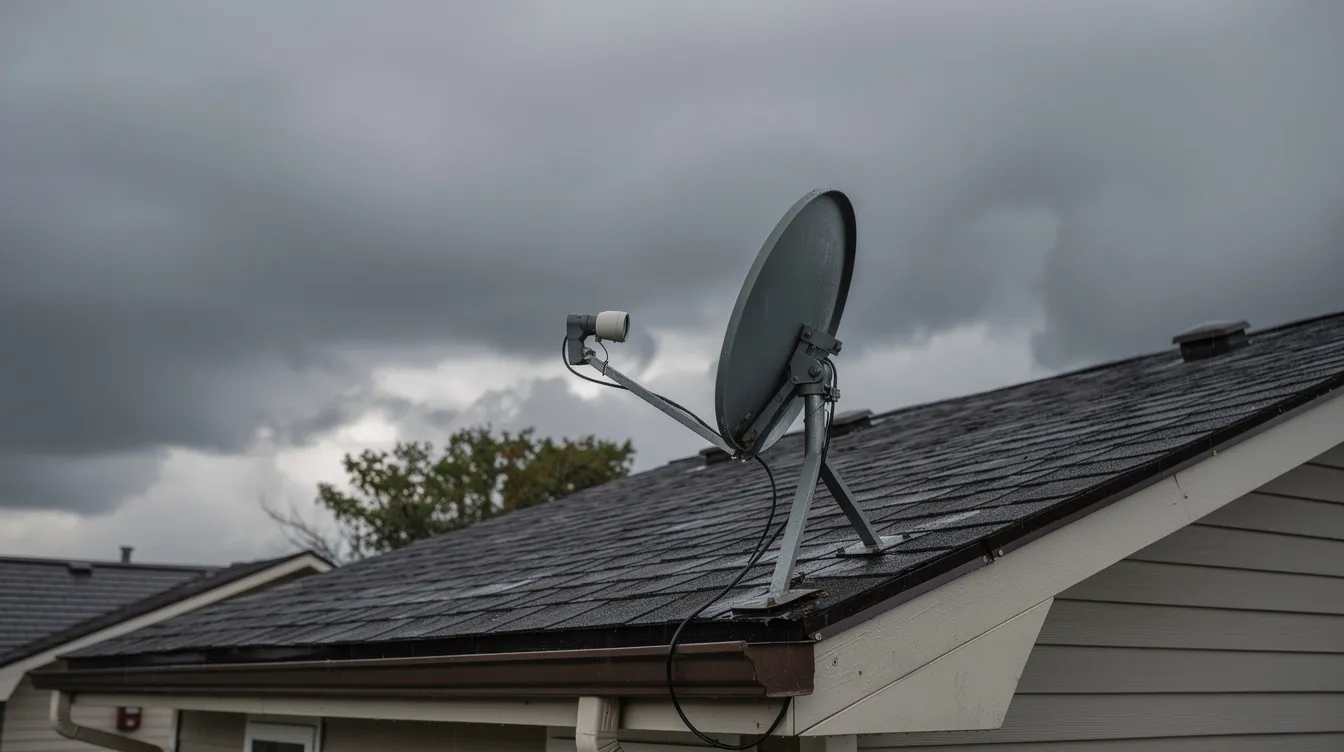
Rain fade is the weakening of signal as it passes through dense rain clouds between the decoder and the satellite. Beyond signal interference, storms can also physically knock the dstv dish out of alignment or loosen brackets, leading to ongoing signal error even after the weather clears.
If e48 32 only appears during extreme weather and your dish and cables are otherwise healthy, the system may need optimisation to maximise margin against rain fade.
Decoder Configuration Errors
Incorrect decoder installation settings – wrong lnb type, satellite, or frequency – can mimic a signal fault and produce E48-32 even if the dish is fine. These issues often appear after moving the decoder, swapping cables between ports, or resetting factory settings.
Use the DStv Installation Wizard to re-run setup and select the correct options for your dish type, lnb, and region. Sat Digital can reconfigure complex setups such as Extra View, triple view, UniCable, and commercial multi-switch systems to restore proper signal.
Satellite Signal Obstruction
Anything blocking the line of sight between the dstv dish and the satellite – new building extensions, neighbours’ structures, or plant growth – can trigger E48-32. Plant growth obstructs the dstv signal reception more often than people expect. In Cape Town, tall trees in suburbs like Newlands or Constantia, or new apartment blocks, are common culprits.
A simple test: stand directly behind the dstv dish, look along the lnb arm towards the sky, and check for trees, masts, or buildings in the signal path. Clear overgrowth around the dstv dish for better reception whenever possible. Sat Digital can relocate the dish to a better position, install a taller mast, or re-route cabling to maintain clear satellite visibility.
Storm Damage and Corroded Connectors
Repeated winter storms, especially along the Western Cape coast, can loosen wall brackets, crack plastic lnb caps, and introduce water into fittings. Corrosion on outdoor connectors – white or green powder, rust, or pitting – increases resistance and reduces signal quality, eventually causing constant E48-32.
All outdoor joints should be weatherproofed with proper boots or self-amalgamating tape, not just basic insulation tape. Sat Digital can inspect the entire installation, replace corroded connectors and rusty brackets, and secure the dish properly against future storms.
How To Fix E48-32 On DStv (Step-by-Step)
Inspecting cables and rebooting the decoder are recommended troubleshooting steps before calling a technician. Work through the steps below slowly, and test channels after each one. Any work involving ladders, roof access, or rewiring should be left to trained installers like Sat Digital for safety and warranty reasons.
Keep the Sat Digital number (071 304 6955) handy while working through these steps.
Step 1: Restart The Decoder
Reboot your dstv decoder to clear the error. Switch off at the mains power, wait 30–60 seconds, and power it back on for a full reboot and signal re-scan. This clears minor software glitches and refreshes tuner communication. After resetting, check at least 2–3 different channels, including SuperSport and news, to confirm whether the error persists.
Step 2: Check Cable Connections
Inspect the coaxial cable at the back of the decoder – ensure the connector is tight and the cable is not loose, broken, or pulled out. Follow the cable as far as you safely can, checking for crushed sections, joints wrapped only in tape, or cables passing through sharp metal edges. Gently wiggle the cable near the connector while watching the tv screen to see if the E48-32 message appears or disappears, indicating a faulty connection.
Step 3: Inspect The Satellite Dish (From The Ground)
Do a visual inspection from the ground: check if the dstv dish appears twisted, bent, or pointing in a very different direction compared to neighbors’ dishes. Note any clear physical damage such as a bent lnb arm, broken bracket, or dish hit by a branch or ladder during maintenance. Do not climb onto the roof without proper equipment – call Sat Digital to safely inspect and adjust the dish.
Step 4: Check For Obstructions
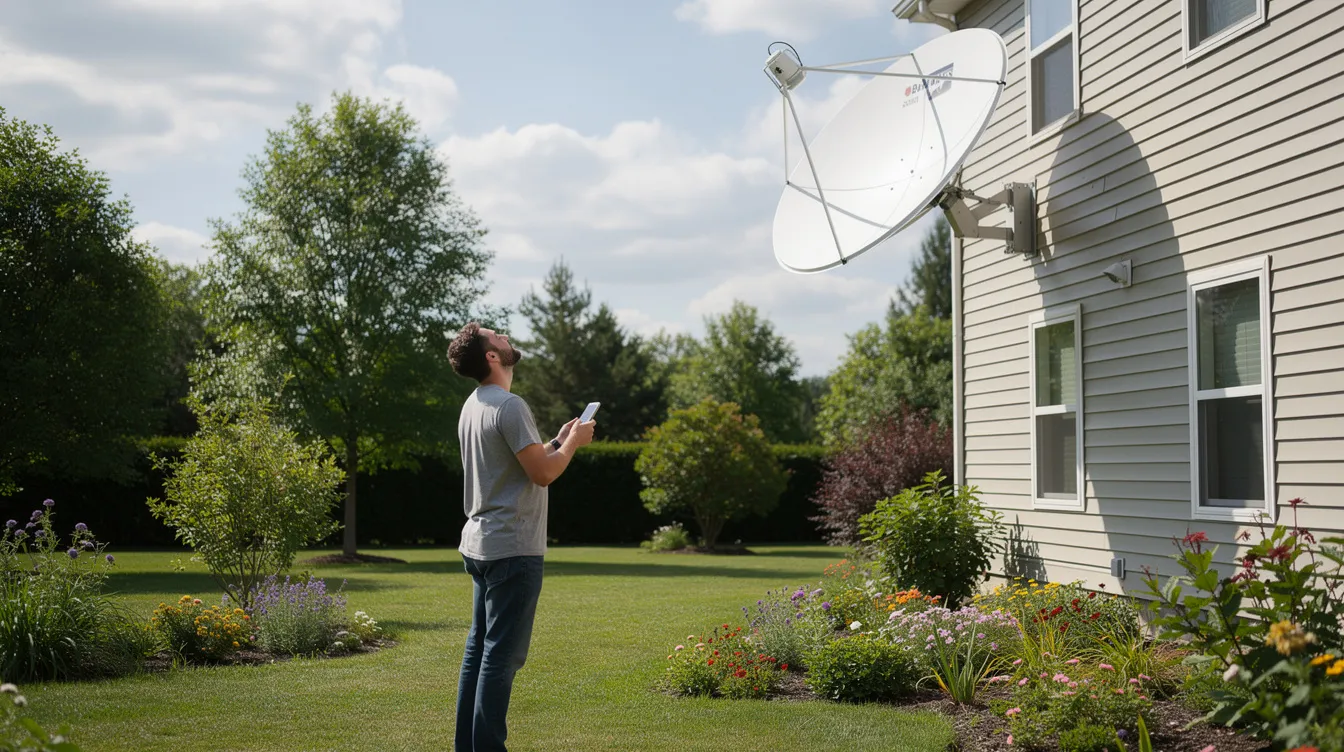
Check for new trees, scaffolding, solar panels, aircon units, or building structures in the line of sight between your dstv dish and the northern sky. Even seasonal changes, like plant growth after heavy Cape Town winter rains in january and beyond, can slowly introduce obstructions. Trim small branches if safe and legal, or contact Sat Digital to relocate the dish.
Step 5: Check Signal Strength On The Decoder
Access the decoder’s signal strength and quality screens through the settings or installation menu. Note both signal strength (%) and signal quality (%), as low quality is more critical and typically triggers the e48 32 error. Write the values down – Sat Digital technicians may ask for them on the phone to assess the signal problem.
Step 6: Examine The LNB (Visually)
Check from the ground or a safe window whether the lnb is hanging loosely, cracked, waterlogged, or pointing skew relative to the dish. Common visible issues include cable pulling the lnb down, plastic cover missing, or signs of rust and corrosion. Internal lnb testing requires a field strength meter, which Sat Digital installers carry on every callout.
Step 7: Run The Installation Wizard
Modern dstv decoders have an Installation Wizard that guides users through satellite setup, lnb type selection, and tuner configuration. Follow the on-screen prompts carefully, choosing the correct satellite, band, and lnb type for a standard Cape Town installation. Do not change advanced settings you do not understand – phone Sat Digital for guidance while on the Wizard screen.
Step 8: Verify Decoder Settings & Test Multiple Channels
Confirm that your decoder is on the correct “Primary” tv setup and that the signal cable is connected to the right port, especially for Explora and Extra View setups. Test a variety of channels: free-to-air, SuperSport, news, and entertainment, to see whether the e48 32 error affects all channels or only some. If E48-32 persists on multiple channels after all steps, professional help from Sat Digital is strongly recommended.
Can Rain Cause E48-32 Errors?
Yes. Rain and storms can absolutely cause E48-32 “searching for signal” errors. Rain can block the dstv signal through a phenomenon known as rain fade, along with weather-related installation damage. Heavy rain and thick storm clouds absorb and scatter satellite signals, particularly on high-frequency transponders used by modern dstv services.
In extreme cases, even if it is not raining at your house in Cape Town, severe storms along the signal path can temporarily impact reception, as technology sites like mybroadband.co.za and TechCentral have noted. The key distinction is between temporary weather fade (signal returns when rain eases) and persistent E48-32 after rain (often due to water entering cables, connectors, or the lnb).
Sat Digital can optimise dish alignment, fit quality lnbs, and weatherproof outdoor fittings to maximise signal margin and reduce rain-related outages.
Understanding Rain Fade
Rain fade can temporarily block satellite signals by reducing signal power as raindrops and moisture sit between the satellite and your dstv dish. Larger dishes, precise alignment, and a clean, unobstructed line of sight all help reduce the impact. Technology publications like TechRadar and CNET regularly discuss how satellite systems worldwide design around rain fade, but domestic dishes still have limits during very heavy downpours. You can upgrade to a larger dish to improve signal strength and build greater margin against this effect.
Can A Faulty LNB Cause E48-32?
A faulty lnb is one of the most common hardware causes of E48-32, especially on older or coastal installations in the Western Cape. The lnb amplifies and converts the satellite signal; when it fails, the decoder sees little or no usable signal and shows a dstv no signal error.
Common lnb fault causes include age, manufacturing defects, lightning, water ingress after storms, and physical damage from birds or falling branches. Sat Digital carries replacement DStv-compatible lnbs on all callouts for same-day repairs.
Signs Your LNB May Be Faulty
E48-32 appearing more frequently over weeks, especially in the evenings or during light rain, before finally becoming permanent.
Some channels work while others show e48 32 error because a partially failing lnb can still handle some frequencies but not others.
Gentle tapping or moving of the lnb bracket causes signal to appear or disappear – a strong indicator of internal failure.
Audio or video freezing intermittently even when the sky is clear.
Contact Sat Digital for lnb testing and replacement rather than guessing, as fitting the wrong type can cause further configuration errors.
Can A Misaligned Satellite Dish Cause E48-32?
Yes. Even slight misalignment of the dstv dish is enough to trigger E48-32, especially on modern HD services that require strong, stable signal quality. A professional dstv installer may be needed to realign the dish properly. Wind, thermal expansion of metal brackets, building vibrations, and poor original installation can all slowly move the dish off the correct satellite angle.
Align the dstv dish to optimize signal reception using digital meters. Sat Digital uses alignment tools to fine-tune azimuth, elevation, and skew to maximise both signal strength and quality.
Typical Misalignment Scenarios in Cape Town
Strong summer south-easter winds in areas like Table View or Fish Hoek loosening dish bolts over time.
Roof renovations, solar panel installations, or water tank fittings that accidentally move the dstv dish while workers are on the roof.
Newly built neighboring houses or walls that force a dish relocation because the original line of sight is no longer clear.
If the same issue keeps happening after storms, professional re-mounting with sturdier brackets is the long-term fix.
How To Check DStv Signal Strength
Checking dstv signal levels on the decoder is one of the quickest ways to understand why E48-32 appears. Both signal strength (%) and signal quality (%) are displayed in the decoder’s installation or signal test menu. Quality is more important than raw strength – high strength with low quality still results in e48 32 error and unstable viewing.
Using The Decoder Signal Test Menu
Open the DStv menu and navigate to Settings.
Select Satellite Settings or Installation.
Choose Signal Strength or Signal Test.
Note both percentage values and any colour indicators (green, orange, or red bars).
Check readings during both clear and cloudy weather to understand how close your system is to the rain fade margin. Share these readings with Sat Digital when calling for assist so the technician arrives prepared with the right parts and equipment.
What Signal Strength Should DStv Have?
Recommended values vary slightly between decoder models, but optimal signal strength needs to exceed 85% for proper performance. Signal quality should also sit comfortably in the high range – ideally above 70%.
For Cape Town installations, values constantly close to the minimum threshold will almost certainly result in e48 32 error whenever wind or rain increase path loss. Sat Digital’s goal during a service call is to adjust dish and lnb so that both strength and quality are comfortably high, not just barely acceptable.
How Professional Technicians Fix E48-32 Errors
While basic checks are useful, professional dstv installers use specialised tools to fix E48-32 permanently. DStv installation and repair services include signal troubleshooting and decoder upgrades. Sat Digital serves both homes and businesses (restaurants, bars, hotels, offices) across Cape Town and the Western Cape with expert dstv signal repair.
Site Inspection & Signal Testing
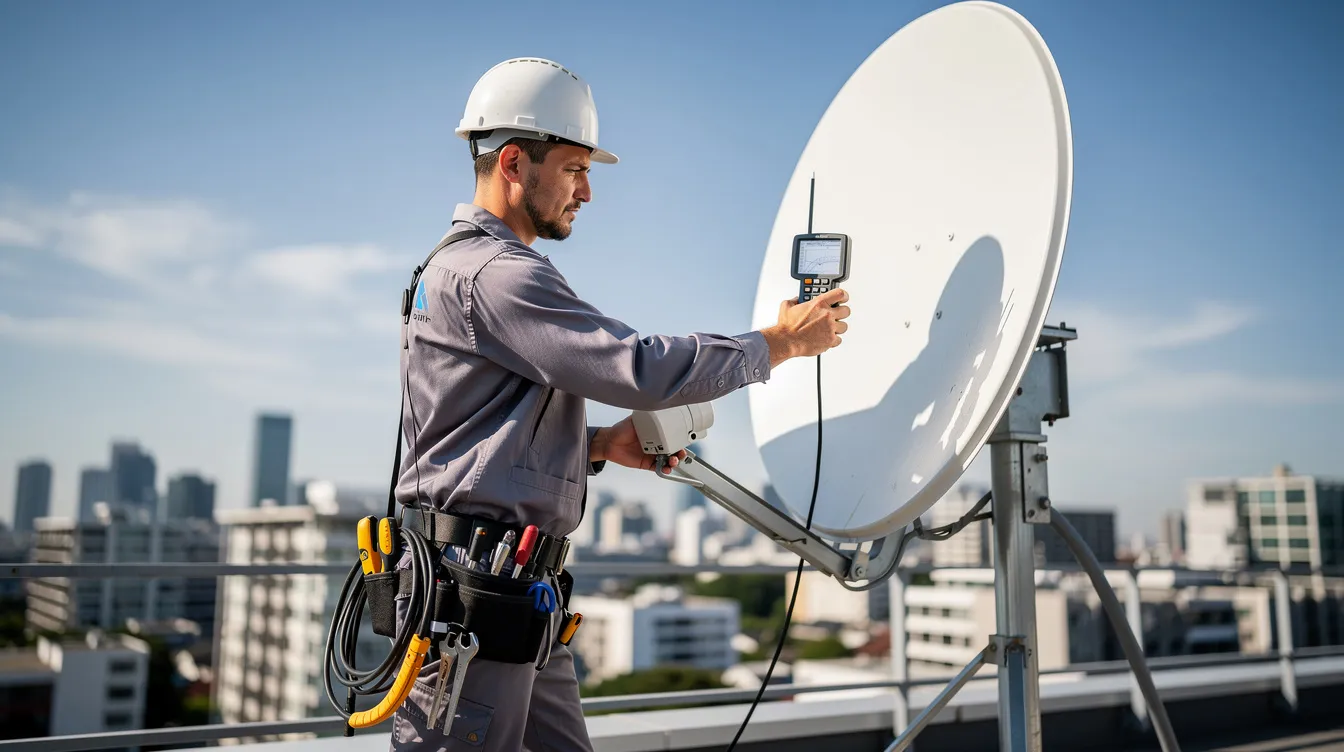
Technicians start by inspecting the decoder, cables, and dish visually, then connect a field strength meter to measure real-time signal strength, quality, and noise. They check multiple transponders and polarities to see whether E48-32 is linked to a specific band or a general problem. Sat Digital may also test signal at several points along the cable run to isolate whether signal loss is happening at the lnb, a joint, or inside the building.
Dish Realignment & Hardware Repair
Technicians loosen dish bolts carefully, adjust azimuth and elevation while reading the meter, and lock the dish at the best possible signal position. They replace faulty components such as corroded connectors, waterlogged cable sections, or failing lnbs. Sat Digital can also replace damaged dstv dishes, install sturdier brackets, or relocate the dish if line of sight is permanently blocked.
Decoder Setup & Installation Wizard Configuration
Professionals verify decoder settings, lnb types, and DiSEqC or UniCable configurations for Explora, Extra View, and commercial multi-decoder setups. They run the Installation Wizard correctly and perform full channel scans to ensure all bouquets and services work after the repair. Sat Digital tests several key channels – including sport coverage highlighted on supersport.com – and checks audio and video before leaving site.
How To Prevent E48-32 Errors
Proactive maintenance and proper installation dramatically reduce the risk of dstv signal problems and recurring E48-32 errors. Prevention is particularly important in exposed coastal and windy areas around the Western Cape.
Routine Inspections & Maintenance
Inspect the dstv dish, brackets, and cables visually at least once or twice a year, ideally before and after the Cape Town winter storm season.
Clear plant growth, trim trees, and ensure no new structures are creeping into the line of sight.
Contact Sat Digital for a periodic signal check and retune, especially if you notice occasional pixelation or sound drops.
Quality Equipment & Professional Installation
Using high-quality dishes, lnbs, RG6 cabling, and compression fittings significantly improves long-term reliability and resistance to rain fade. Using a dstv accredited installer like Sat Digital instead of cheap, unqualified labour pays off, especially for complex Extra View or commercial installations. MultiChoice recommends accredited installers to ensure dstv error codes like E48-32 are minimised by correct design from day one.
Protecting Your System From Weather & Damage
Mount dishes securely with stainless or galvanised fixings and weatherproof all outdoor connectors.
Route cables neatly with clips, avoiding tight bends, high foot-traffic areas, and potential chewing points for rodents.
Ask Sat Digital to assess if a slightly larger dstv dish would be beneficial in high-rainfall or high-wind locations prone to frequent E48-32 during storms.
Other Common DStv Error Codes
While E48-32 is one of the most frequent “no signal” errors, dstv decoders display various other codes indicating different categories of problems. Understanding the basics helps you decide whether to use self-service on dstv.com, contact MultiChoice support, or call an installer like Sat Digital.
E48-32 – No Signal / Searching For Signal
This is the dstv signal error focused on in this article, relating to dish, lnb, cabling, or weather issues rather than subscription status. Persistent E48-32 typically requires a signal diagnosis and repair visit by a professional dstv installer.
E16 – Service is Currently Scrambled
E16 usually means the subscription is not active for the channel being viewed or that the decoder has not received the latest authorisation. Check your pay status and use DStv self-service on dstv.com before booking a technician, unless E16 appears together with signal issues.
E30 – Checking Subscription Status
E30 often appears after reconnecting services, changing packages, or leaving the decoder unplugged for a long period. This code should clear automatically once the decoder receives the necessary activation signals, assuming dstv signal is available.
E143 – Communication Error (Typically Explora / Extra View)
E143 relates to communication problems between Explora or Primary and Secondary decoders in Extra View setups. It can be caused by incorrect cabling, faulty heartbeat connections, or wrong installation wizard settings, which Sat Digital can reconfigure on site.
E04 – Smartcard Error
E04 typically refers to issues with the smart card such as incorrect insertion, card damage, or decoder–card pairing problems. Gently remove and reinsert the smartcard, check orientation, and contact DStv support if the problem persists.
Installation Wizard Errors
Various on-screen messages can appear during the DStv Installation Wizard if the wrong satellite, lnb type, or band is selected, often leading to apparent “no signal.” If you are unsure of the correct settings, phone Sat Digital for remote guidance or book a visit to complete setup correctly.
Frequently Asked Questions About E48-32
This FAQ section answers common questions Sat Digital receives from customers in Cape Town and the Western Cape about E48-32 and related dstv signal issues.
What does E48-32 mean on my DStv decoder?
E48-32 means the decoder is not receiving a reliable signal from the dstv dish and lnb, usually due to misalignment, cabling problems, faulty lnb, or bad weather. It is a signal reception issue, not a payment or smartcard problem, and the decoder cannot show channels until stable signal is restored.
Why is my DStv showing “No Signal” only on some channels?
Different channels use different frequencies. If your dish alignment or lnb has marginal performance on certain bands, only some channels will show E48-32 while others work. This is a warning sign of a developing signal problem, and Sat Digital should check the installation before a full outage occurs.
Can I fix the E48-32 error myself?
You can try basic steps such as rebooting the decoder, tightening cable connections, checking for obvious damage, and removing small obstructions. However, any work on the roof, mast, or wiring should be done by a trained technician like Sat Digital for safety and to avoid making the problem worse.
How long does a professional E48-32 repair usually take?
Most standard E48-32 callouts in Cape Town – such as dish alignment or lnb replacement – take between 45 and 90 minutes once the technician is on site. More complex commercial systems or major cable replacements can take longer, but Sat Digital aims to restore viewing the same day wherever possible, so you are not left waiting.
Does E48-32 mean I need a new decoder?
In most cases, E48-32 does not mean the decoder is faulty. The problem is usually external – dish, lnb, cable, or weather – rather than the decoder itself. Sat Digital will test signal and decoder performance; only if the decoder tuner is clearly faulty will they recommend replacement or repair options.
Can neighbours’ construction cause my E48-32 error?
Yes. If neighbors build extensions, install tall structures, or plant fast-growing trees that block your dish’s line of sight to the satellite, you may start seeing E48-32. Sat Digital can assess whether a dish relocation or taller mast would resolve the issue at your location.
Is the E48-32 error the same in Johannesburg and Cape Town?
The error code itself means the same thing nationwide – no signal. However, the causes can differ by location. Cape Town’s coastal salt air accelerates lnb and connector corrosion, while Johannesburg’s summer thunderstorms cause more frequent rain fade. The solution remains the same: proper installation and regular maintenance by a qualified dstv installer.
Conclusion
E48-32 is DStv’s “no signal” warning, typically caused by dstv dish misalignment, faulty lnb, damaged cables, obstructions, or bad weather and rain fade. Basic DIY steps – rebooting, checking cables, looking for obstructions – are worth trying first, but persistent or recurring e48 32 error needs professional diagnosis.
Sat Digital offers expert dstv signal troubleshooting, dish alignment, lnb and cable replacement, and complete DStv and OpenView installation services across Cape Town and the Western Cape. Understanding what does E48-32 mean helps you decide when to call in professional help instead of endlessly rebooting the decoder.
Need Help Fixing E48-32? (Contact Sat Digital)
Stop watching a blue screen and start watching your favourite channels again. If you are a homeowner or business experiencing DStv Error E48-32 or persistent “no signal” problems, contact Sat Digital for fast, reliable onsite support today.
Sat Digital is a local dstv accredited installer serving Cape Town and the wider Western Cape with same-day appointments where possible.
Contact Method | Details |
|---|---|
Phone | 071 304 6955 |
info@satdigital.co.za | |
Website |
Key services include dstv installation, signal repair, OpenView installation, decoder upgrades, lnb and cable replacement, Extra View setup, and tv wall mounting for both residential and commercial clients. Do not wait until the next big match or event on DStv and SuperSport before fixing your e48 32 error – schedule a professional check-up now.