Expert DStv Extra View Installation Services
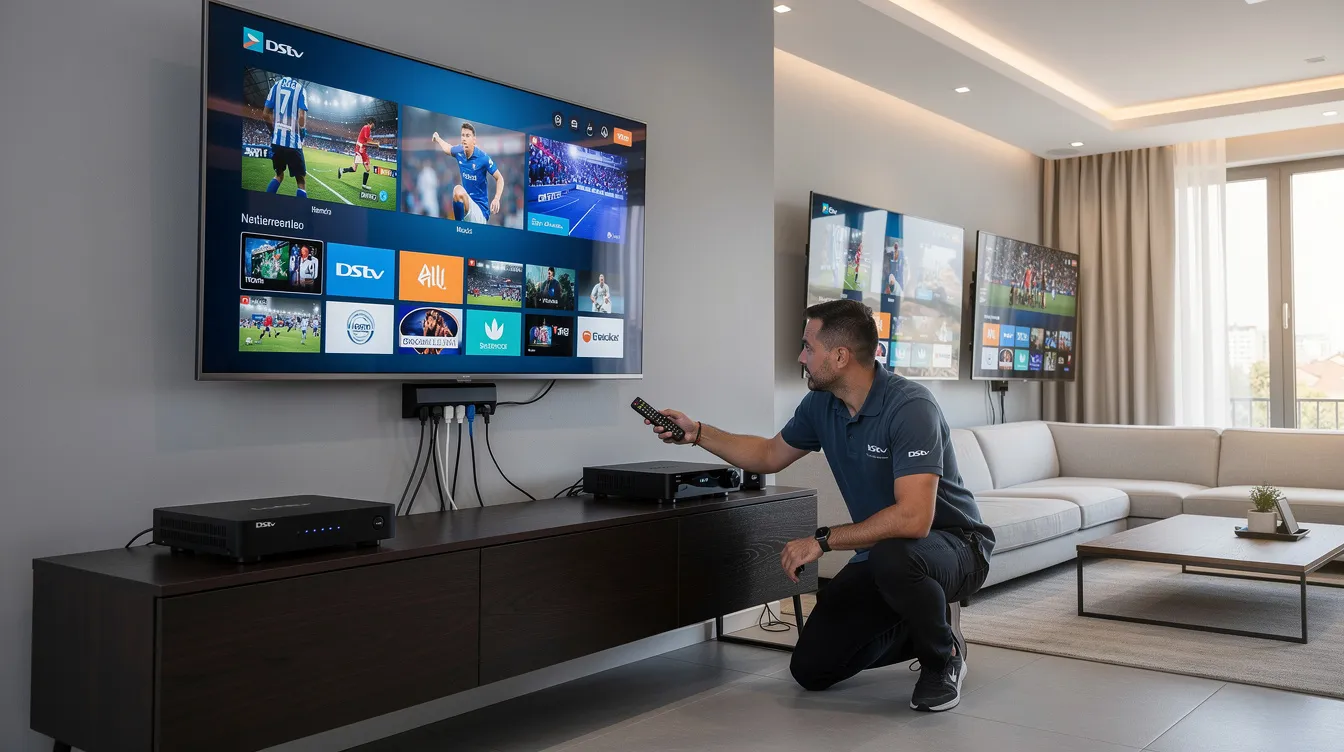
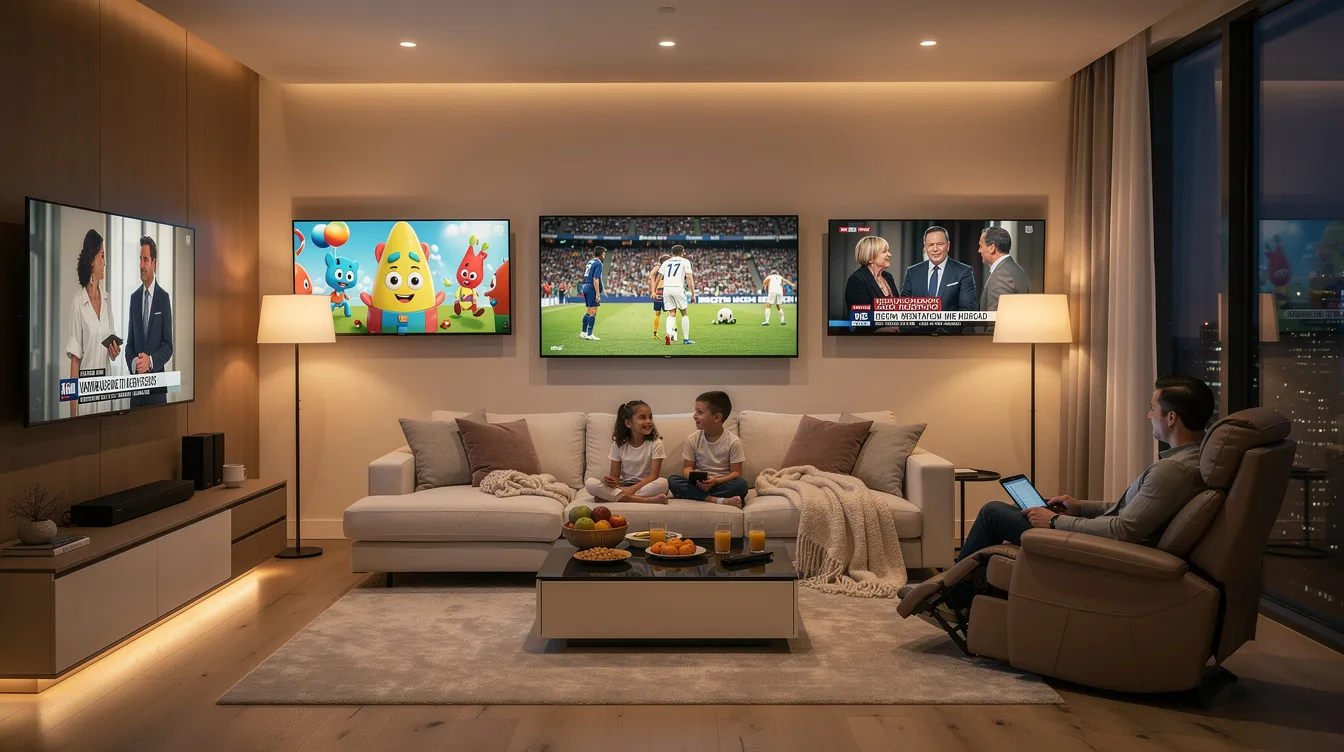
DStv Extra View lets every member of your household watch different TV channels on separate TVs—all under one subscription. Whether your family argues over sports, movies, or kids’ shows, a professional extra view setup puts an end to the remote control battles and keeps the whole family happy.
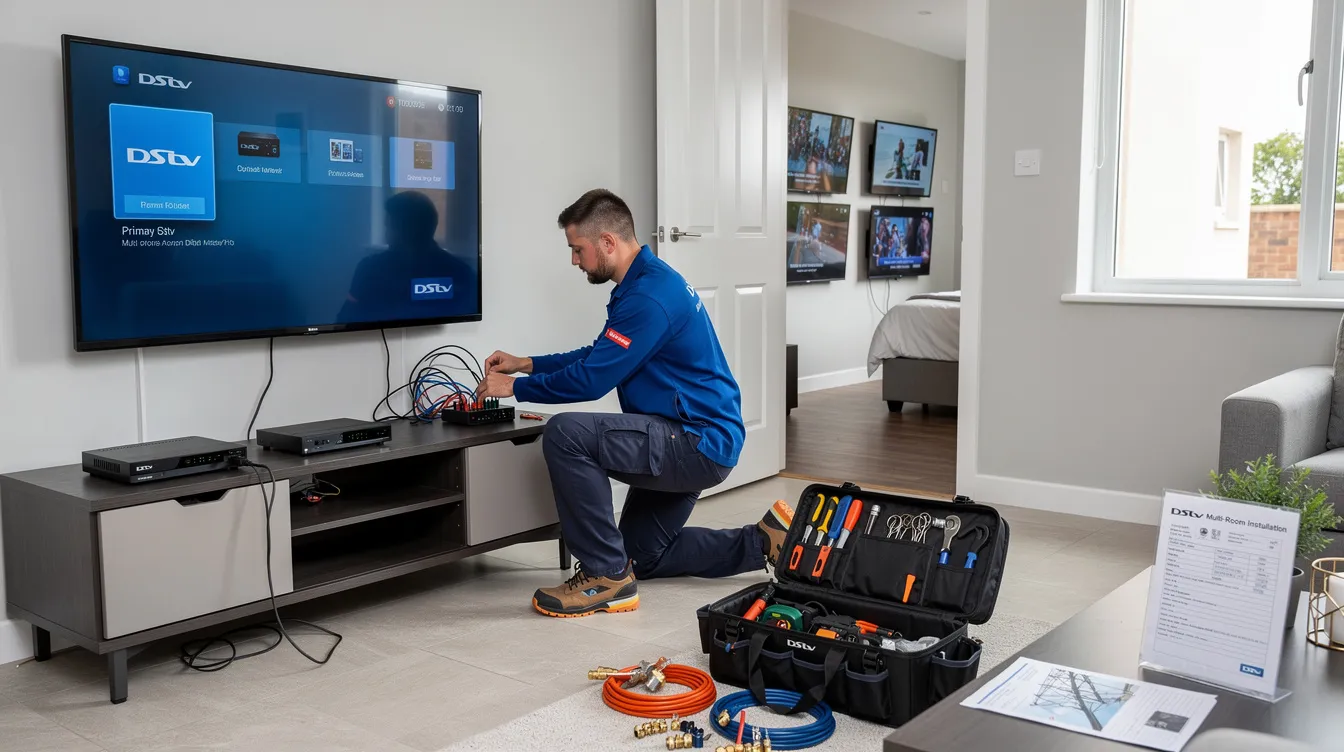
At Sat Digital, we deliver reliable DStv Extra View installation, configuration, and troubleshooting services. Our accredited installers ensure your primary decoder and secondary decoders communicate flawlessly, your signal quality stays strong, and every viewing point in your home or business works perfectly—from day one.
Schedule Your DStv Extra View Consultation Today—Call 071 304 6955
What is DStv Extra View?
DStv Extra View (also known as XtraView) is MultiChoice’s multi-decoder solution that allows you to link a primary decoder with one or two secondary decoders under a single DStv subscription. Each connected decoder operates independently for viewing different channels simultaneously, meaning one TV can display live sports while another plays movies and a third shows cartoons—all at the same time.
Here is how the system works at its core:
- One primary decoder holds the subscription and sends a heartbeat signal every 30 seconds to all linked secondary decoders. This heartbeat confirms that the secondary decoders are authorized to display channels.
- Secondary decoders depend entirely on receiving this heartbeat. If a secondary decoder does not receive the heartbeat, it will stop showing pictures after 3 minutes without a heartbeat.
- Heartbeat communication can occur via a Smart LNB or a heartbeat cable. A traditional heartbeat cable is a coaxial cable (typically RG6U) running between the RF ports on the primary and secondary decoders. A DStv smart LNB eliminates the need for this separate cable by carrying both satellite signals and heartbeat communication through the same connection.
Extra View links one primary decoder to two secondary decoders, giving you a maximum of three viewing points. All decoders must be registered on the same DStv account and package for shared content, and each TV connected to a decoder can watch different live channels simultaneously.
In simple terms, DStv Extra View transforms a single view subscription into a multi-room entertainment system—without paying for multiple full subscriptions.
Benefits of DStv Extra View:
Choosing DStv Extra View delivers significant advantages for families and businesses alike. Here is why thousands of South African households rely on this setup:
Multiple Viewing Points
With extra Vue decoders linked throughout your home, every room becomes an independent entertainment zone. Dad watches SuperSport in the lounge, Mom follows her favorite shows in the bedroom, and the kids enjoy their channels in the playroom. Each connected decoder operates independently for viewing different channels simultaneously—no more compromises.
Cost-Effective Entertainment
You pay only one main subscription fee plus an additional monthly access fee for extra decoders. The monthly access fee for Extra View is R100 per decoder. Linking two decoders requires one access fee, while linking three decoders requires two access fees. Compared to running separate subscriptions on separate decoders, this saves you hundreds of rands every month.
Flexible Channel Access
Secondary decoders can display the same channels as the primary decoder. Every TV in your extra view setup gets full access to your subscription package—including premium sports, movies, entertainment, and kids’ channels. There is no reduced channel list on secondary decoders.
Better Family Convenience
DStv Extra View eliminates scheduling conflicts and keeps the whole family happy. Everyone watches what they want, when they want, without waiting. The flexibility transforms how your family experiences home entertainment.
Reliable Performance with Professional Setup
When installed correctly by accredited installers, your Extra View installation delivers stable, uninterrupted viewing across all connected decoders. Professional setup ensures proper signal configuration, correct decoder communication, and long-term reliability.
Professional DStv Extra View Installation
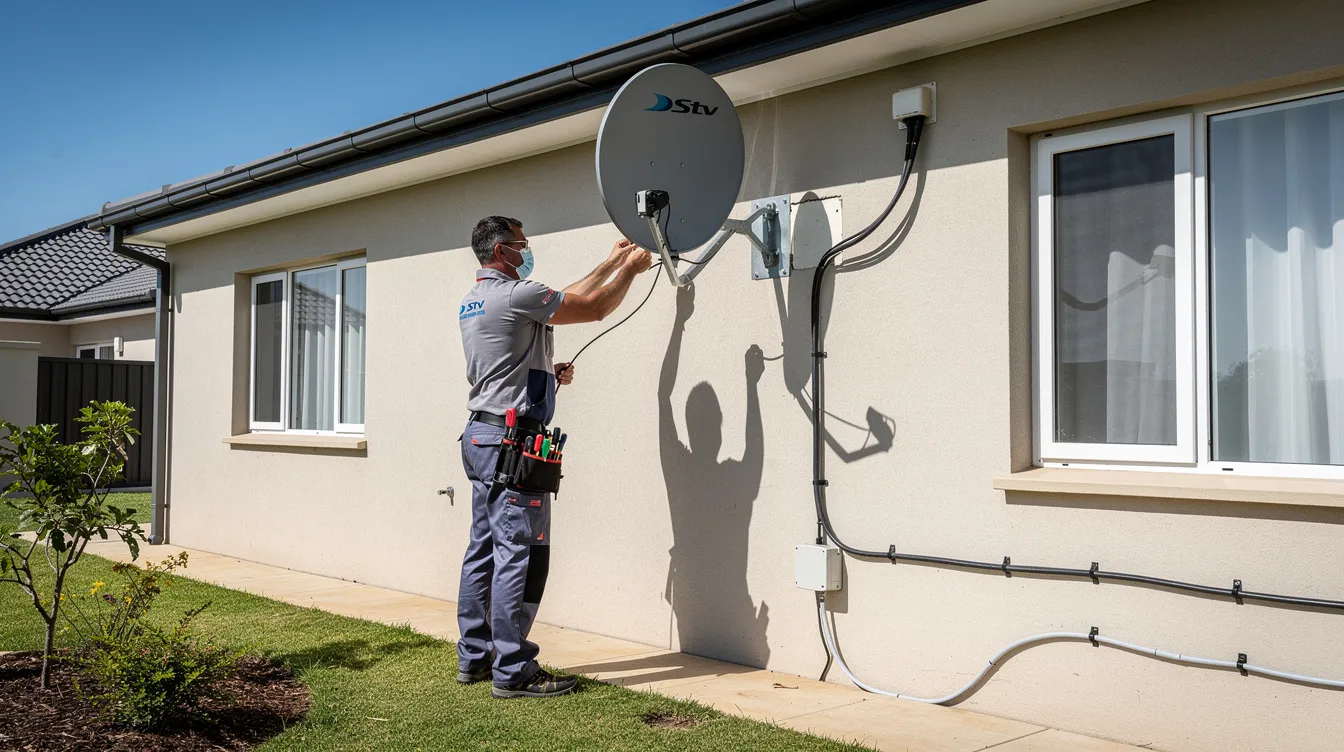
A properly installed DStv Extra View system is the difference between seamless multi-room viewing and frustrating error messages. At Sat Digital, our professional installation service covers every detail—from satellite dish alignment to decoder activation.
Why Professional Installation Matters
DStv Extra View requires precise configuration. The primary decoder must communicate with every secondary decoder through a reliable heartbeat signal. Cable runs must maintain signal strength. The LNB type must match your decoder combination. Decoders require activation on the DStv account to function properly.
Using a DStv-accredited installer is recommended for correct setup. Our technicians understand the technical requirements for every decoder combination, every LNB type, and every home layout. We ensure:
- Correct satellite dish alignment—you need an 80cm dish for optimal signal reception
- Proper LNB selection and configuration
- High-quality RG6U coaxial cable connections with compression F-connectors
- Reliable heartbeat communication between all linked decoders
- Full activation and testing before we leave your property
What Sets Our Installation Apart
Every Sat. digital extra view installation follows a structured process designed for long-term reliability. We do not cut corners on cable quality, connector types, or testing procedures. We also plan cable routing carefully—using conduits and surface trunking where necessary—to deliver a clean, professional finish without visible cables running across your walls.
For multi-story homes, we pay particular attention to cable run lengths and signal attenuation. Passive signal splitting works well for two decoders with short cable runs, but adding a third decoder often requires an active multiswitch and possibly signal boosters to maintain quality at every viewing point.
DStv Explora Extra View Setup
The DStv Explora is the preferred primary decoder for any Extra View setup—and for good reason. One Explora decoder is required for a three-decoder setup, as its advanced processing power and connectivity features make it the ideal hub for multi-decoder communication.
Why Explora Is the Best Primary Decoder
Explora decoders deliver superior performance as the primary decoder in an Extra View configuration. They support:
- Reliable heartbeat transmission to linked secondary decoders
- HD and PVR capabilities, including recording on the primary while other decoders display live channels
- Smart LNB compatibility for simplified cabling and improved signal distribution
- Full channel access across your subscription package
At least one decoder must be a primary decoder, typically a DStv Explora. While all decoders are ExtraView capable, using an Explora as your primary ensures the best performance, the fewest compatibility issues, and access to the latest features.
Explora with Other Decoder Models
You can link your DStv Explora with various decoder models as secondary units—including HD decoders, HD PVR units, and other Explora models. However, older decoders may have compatibility issues with new models, so it is important to check compatibility before linking.
Older decoder models may lack the proper RF ports or heartbeat connectivity required for seamless communication. Mixed decoder combinations require careful matching, correct port assignments, and proper cable terminations. Our technicians assess your existing decoders and recommend the best combination for your situation.
Recording and PVR Features
With an Explora as your primary, you gain access to PVR recording capabilities. However, recording features on secondary decoders may be limited depending on the decoder type. Our team explains exactly what each decoder in your setup can and cannot do, so there are no surprises.
Smart LNB and DStv Extra View
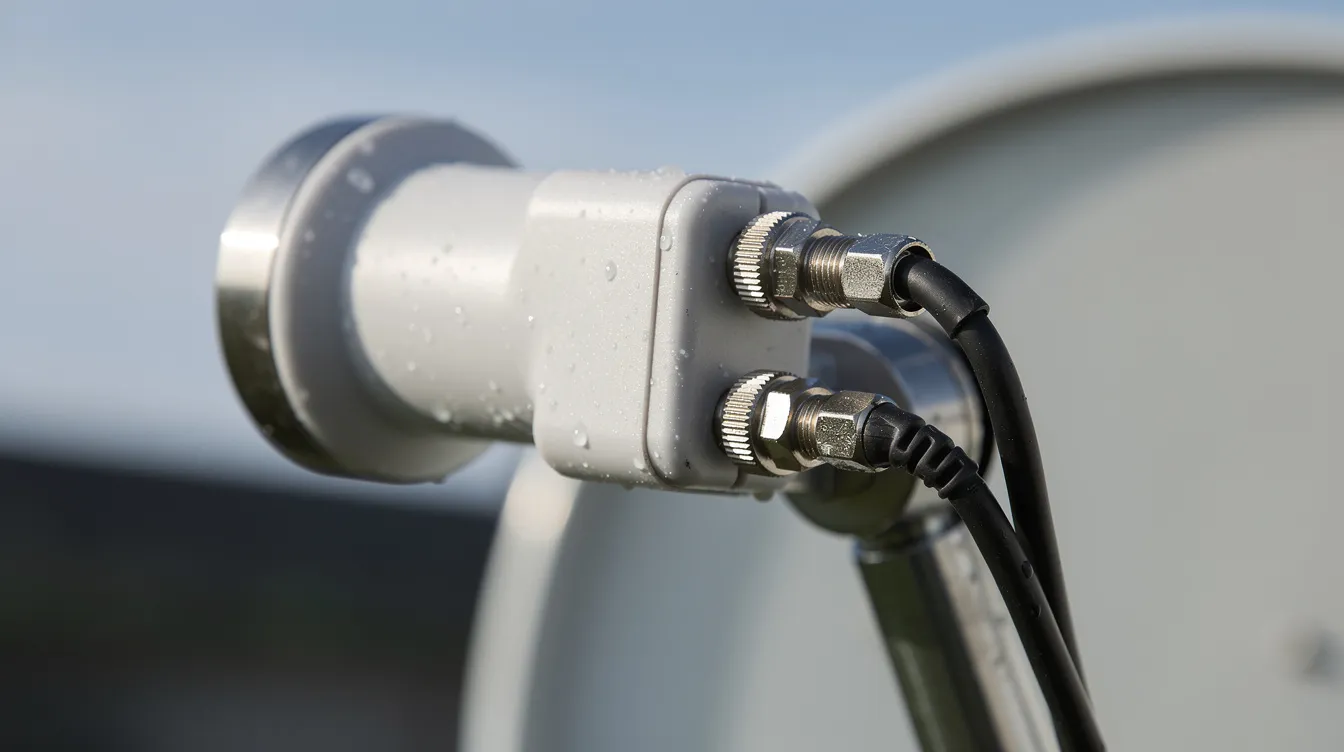
The DStv smart LNB has transformed how Extra View installations work. A Smart LNB allows newer decoders to connect without a heartbeat cable, simplifying the entire setup and reducing the number of cables needed.
How Smart LNB Works with Extra View
In a traditional extra view setup, you need the following:
- Separate satellite feed cables from the LNB to each decoder
- A separate heartbeat cable connecting the RF ports of the primary and secondary decoders
With a smart LNB, the heartbeat signal travels through the same cable that carries your satellite feed. Decoders communicate via specialized cabling connected to a Smart LNB, eliminating the need for dedicated heartbeat cable runs between decoders.
This is especially valuable in the following:
- Multi-storey homes where running additional cables between floors is difficult or expensive
- Retrofit installations where walls are already finished and cable access is limited
- Three-decoder setups where multiple heartbeat cables would otherwise create complexity
- Communal system installations in apartment blocks or estates
Smart LNB vs Universal Twin LNB
| Feature | Smart LNB | Universal Twin/Quad LNB |
|---|---|---|
| Heartbeat cable required | No | Yes |
| Number of cable runs | Fewer | More |
| Best for multi-story | Yes | Challenging |
| Older decoder compatibility | Check the ports. | Generally compatible |
| Installation complexity | Simpler | More cables to route |
| Cost | Slightly higher hardware | Lower hardware, higher labour |
Diplexers combine signal and heartbeat cables into one cable in certain configurations, offering another option for reducing cable runs in traditional setups. Our technicians assess your specific situation and recommend the most reliable, cost-effective LNB type for your installation.
Smart LNB Installation Considerations
Not every decoder works with every Smart LNB port. Older HD decoders and SD decoders may need universal ports rather than smart or UniCable ports. Unused ports must be properly terminated to prevent signal interference. Our installers understand these nuances and configure every connection correctly.
DStv Extra View Configuration Process
Every successful extra view setup follows a structured process. Here is exactly how we configure your DStv Extra View system from start to finish.
Step 1: System Assessment
We evaluate your existing DStv setup thoroughly before any work begins. This includes:
- Decoder compatibility check – confirming your decoder models support Extra View and work together. All decoders can be linked in Extra View, but compatibility varies between models.
- Signal strength assessment – testing your current satellite dish alignment and signal quality. An 80 cm dish is recommended for optimal DStv signal reception.
- LNB evaluation—determining whether your current LNB supports the number of view decoders you need or whether a Smart LNB upgrade is required.
- Cable infrastructure inspection – checking existing coaxial cable quality, routing paths, and whether additional cable runs are necessary.
- Site walkthrough—especially important in multi-story homes, we map the optimal cable routes before drilling or running any cables.
Step 2: Professional Installation
With the assessment complete, we proceed with hands-on installation:
- LNB installation or upgrade—mounting a Smart LNB, Universal Twin, or Quad LNB depending on your configuration
- Cable runs—using high-quality RG6U coaxial cable with compression F-connectors. All outdoor connections are weatherproofed. Cables are clipped every 600mm on vertical runs and routed through conduits or trunking for a clean finish.
- Heartbeat cable connection – if using a traditional LNB, we connect the heartbeat cable between the primary and secondary decoders via their RF ports. If using a Smart LNB, no separate heartbeat cable is needed.
- Decoder placement – positioning decoders with adequate ventilation. Explora decoders generate considerable heat, and installing them in closed cabinets without airflow leads to overheating and hardware failure. We always ensure proper ventilation or recommend cooling solutions.
Step 3: Activation and Testing
- Account registration—we register all decoder smart card numbers on your DStv account and designate the primary decoder in the MultiChoice system
- Extra View activation—using the on-screen menu or MyDStv app to link secondary decoders to the primary
- Communication verification – confirming the heartbeat signal maintains proper communication between all decoders. The primary decoder sends a heartbeat signal every 30 seconds, and we verify each secondary decoder receives it consistently.
- Independent viewing test—we tune each decoder to different channels simultaneously to confirm full independent operation
- Signal quality readings – checking signal strength and quality metrics on every connected decoder
Step 4: Support and Guidance
- Operation walkthrough—we show you how to use all linked decoders, switch between viewing points, and manage your setup
- Troubleshooting guide—we explain common issues like E143 errors and what to check before calling for service
- Ongoing support—Sat Digital provides continued technical support for all our installations. If something goes wrong, we are just a phone call away at 071 304 6955.
Common DStv Extra View Problems
Even well-installed Extra View systems can encounter issues. Understanding what can go wrong helps you identify problems quickly and know when to call for professional help.
E143 Decoder Communication Errors
The E143 error is the most common Extra View problem. It means your secondary decoder has lost communication with the primary decoder—the heartbeat signal is not getting through.
Common causes include:
- Disconnected or faulty heartbeat cable—a loose connector, corroded fitting, or weather- damaged cable breaks the heartbeat connection
- Primary decoder powered off—the secondary decoder cannot receive a heartbeat if the primary is off, rebooting, or undergoing a software update
- Smart LNB misconfiguration – incorrect port assignments, wrong userbands, or unterminated ports cause communication failures
- Signal attenuation – long cable runs without amplification weaken the heartbeat signal, especially in multi-storey homes
- Power interruptions—after load-shedding or power cuts, the heartbeat link may need to re-establish, and secondary decoders may display errors until communication resumes
Specific E143 sub-codes indicate different issues: E143-0 signals a failed connection, while E143-4 means the decoder is waiting for communication from the primary.
Signal Quality Issues
Error E48-32 (no signal) can affect all decoders in your setup. Causes include:
- Misaligned satellite dish
- Damaged or degraded coaxial cable
- Faulty LNB
- Rain fade during severe weather
- Corroded connectors on outdoor cable runs
Decoder Compatibility Problems
Older decoders may increase installation costs due to splitters and additional hardware requirements. Mixing old decoder models with the latest decoders can create issues with heartbeat communication, port compatibility, and feature availability. Some older SD decoders lack proper RF ports entirely.
Overheating and Hardware Failures
Decoders installed in enclosed entertainment units without ventilation overheat—particularly DStv Explora models. Overheating causes random reboots, signal drops, and permanent hardware damage over time.
DStv Extra View Troubleshooting
When your Extra View stops working, follow these steps before calling for professional help:
Basic Troubleshooting Steps
- Check your primary decoder—ensure it is powered on and displaying channels correctly. Your secondary decoders cannot work if the primary is off.
- Inspect all cable connections—check the heartbeat cable (or Smart LNB connections) for loose or damaged connectors. Ensure nothing has been accidentally unplugged.
- Restart all decoders—power off the primary decoder first, then the secondary decoders. Wait 30 seconds. Power on the primary first, wait until it fully boots, then power on the secondary decoders.
- Check signal strength—navigate to the signal strength menu on each decoder. If signal readings are low on all decoders, the issue likely relates to your dish or LNB rather than Extra View configuration.
- Verify account status—confirm your subscription is active and Extra View is enabled on your account through the MyDStv app or by contacting MultiChoice directly.
When to Call a Professional
Contact Sat Digital on 071 304 6955 if:
- E143 errors persist after restarting all decoders
- Signal quality readings are consistently low
- You suspect cable damage—especially outdoor cable runs
- Your decoder combination has changed and needs reconfiguration
- You are experiencing intermittent heartbeat failures
- Your Smart LNB needs replacement or reconfiguration
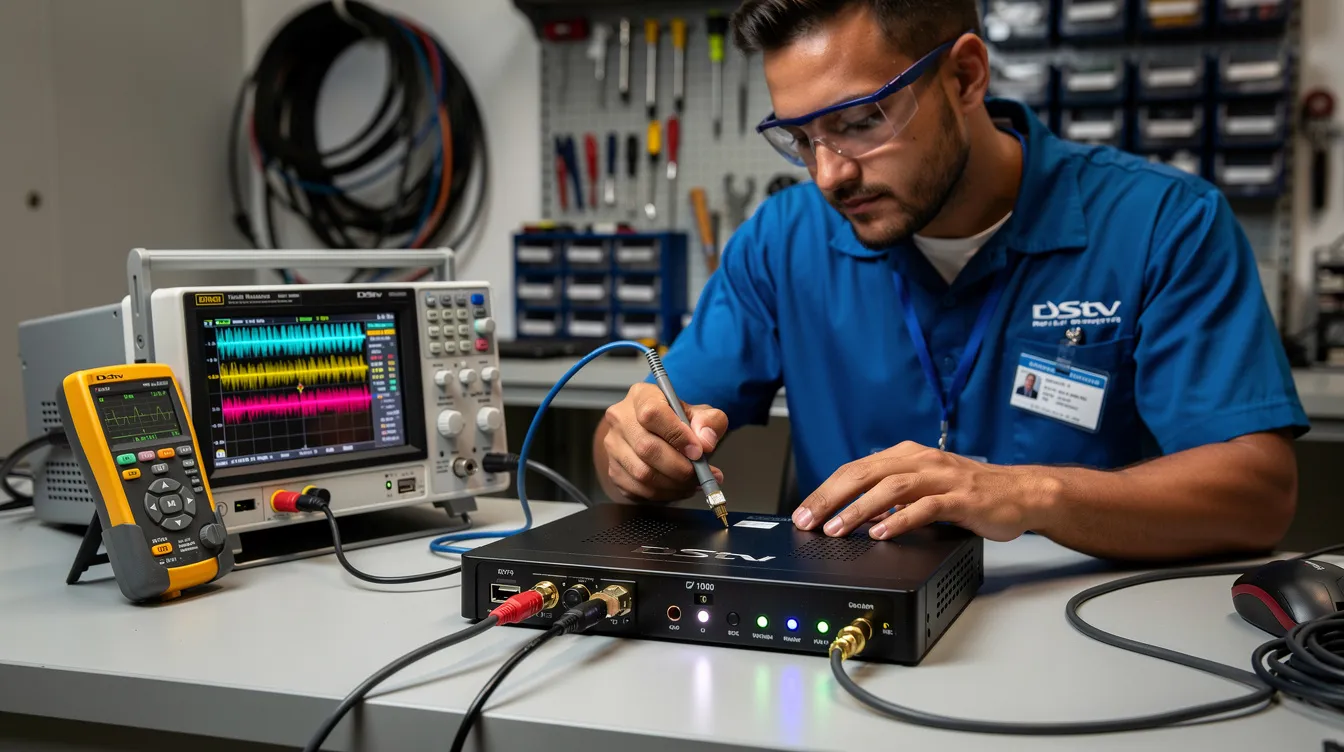
Our technicians carry diagnostic equipment to pinpoint exactly where the communication chain breaks down. We test every component—from LNB ports through cable runs to decoder RF connections—and resolve the fault on site.
Why Professional Installation Matters
DStv Extra View may seem straightforward, but the technical details make the difference between reliable viewing and constant frustration. Here is why professional installation matters:
Correct Configuration from Day One
Professional installers understand which decoder combinations work best, which LNB ports to use for each decoder type, and how to configure heartbeat communication for maximum reliability. Incorrect port assignments or improper cable terminations cause intermittent errors that are difficult to diagnose later.
Proper Signal Management
As MyBroadband and TechCentral often report, signal quality is the foundation of any DStv installation. Professional installers ensure your satellite dish is precisely aligned, your LNB delivers optimal signal to all outputs, and your cable runs maintain signal integrity without excessive attenuation.
Reduced Future Faults
A properly installed system experiences fewer issues over its lifetime. Quality cables, weatherproof connectors, proper ventilation, and correct configuration all contribute to long-term reliability. The small investment in professional installation saves significant troubleshooting costs down the line.
Expert Support When You Need It
When you install with Sat Digital, you have access to ongoing technical support. We know your system because we installed it, and we can troubleshoot efficiently when issues arise.
Same-Day DStv Extra View Installation
We understand that waiting days for your extra view installation is frustrating. Sat Digital offers same-day installation service for customers who need their multi-room viewing up and running quickly.
How Same-Day Service Works
- Morning booking—contact us at 071 304 6955 or email info@satdigital.co.za to schedule your installation
- Same-day dispatch—our technicians arrive with all necessary equipment, including Smart LNBs, coaxial cable, connectors, heartbeat cables, and diagnostic tools
- Complete setup—we install, configure, activate, and test your entire Extra View system in a single visit
- No return visits—we do not leave until every decoder is working independently and you are satisfied with the installation
Same-day availability depends on technician schedules and your location, so we recommend calling early in the day for best availability.
DStv Extra View for Homes
DStv Extra View works in virtually any residential setting. Here are the most common home configurations we install:
Family Homes
The classic Extra View setup connects DStv Extra View across your living room, master bedroom, and a third viewing point such as a study or kids’ room. With two decoders or three decoders linked, every family member gets their own viewing experience. Parents can watch premium movies and sports while children enjoy age-appropriate channels.
Multi-Storey Houses
Homes with two or three floors require careful planning. Long cable runs between floors attenuate signal, and routing cables through finished walls and ceilings demands expertise. We use conduits, surface trunking, and sometimes active multiswitches to maintain signal quality at every decoder position.
For multi-story installations, we strongly recommend a Smart LNB setup to minimize the number of cable runs needed between floors.
Apartments and Flats
Many apartment buildings use a communal system with shared satellite dishes. Extra View installation in communal setups requires working within the existing infrastructure, which often involves Smart Switch solutions and careful port allocation. Our technicians have extensive experience with communal installations and ensure your setup works within your building’s system.
Estates and Complexes
Residential estates often have specific installation guidelines regarding dish placement and cable routing. We work within these requirements while delivering a fully functional extra view setup.
According to HomeImprovement4U, professional multi-room entertainment installations significantly enhance property functionality and family lifestyle—and DStv Extra View is one of the most popular solutions in South African homes.
DStv Extra View for Businesses
Multi-room DStv viewing is not just for homes. Businesses across South Africa use Extra View to entertain guests, customers, and staff—all under one subscription.
Guest Houses and Hotels
Offer your guests access to premium DStv channels in every room. Extra View allows guest houses to link decoders across multiple rooms, providing a quality entertainment experience that helps attract bookings. For larger properties, we install Smart LNB and multiswitch configurations to support multiple viewing points efficiently.
Sports Bars and Restaurants
Keep customers entertained with live SuperSport across multiple screens. Each TV displays a different match or event simultaneously, creating an electric atmosphere. Our commercial installations use robust cable routing and wall-mounted decoders designed for high-traffic environments.
Office Waiting Rooms
Create a comfortable waiting experience with DStv channels in your reception area. Whether it is news, sport, or entertainment, your visitors stay informed and entertained while they wait. As BusinessTech regularly highlights, customer experience in commercial spaces increasingly depends on quality amenities like premium entertainment.
Commercial Installation Considerations
Business installations typically require the following:
- Robust cable infrastructure rated for commercial environments
- Multiple decoder points with centralised management
- Professional cable management with concealed routing
- Adequate ventilation for decoder hardware
- Surge protection for all connected equipment
Contact us at 071 304 6955 for a commercial Extra View consultation and quote.
DStv Extra View Setup Options
We offer multiple configuration options to suit every household and budget. Here is a comprehensive overview of the setups we install:
Two Decoder Setup—Link your primary decoder with one secondary decoder. You pay one monthly access fee of R100 on top of your existing subscription. Installation cost for Extra View averages R350 for a standard configuration.
Three Decoder Configurations – Connect a primary with two secondary decoders for triple-room viewing. Linking three decoders requires two access fees (R200 total per month). One Explora decoder is required for a three-decoder setup.
Smart LNB Installation – A modern setup where the smart LNB carries both satellite signal and heartbeat communication, eliminating separate heartbeat cables. Ideal for new installations and multistory homes.
Universal Twin LNB Setup – Traditional configuration with separate satellite feed cables and a dedicated heartbeat cable between decoders. Suitable for simple two-decoder setups with short cable runs.
Explora Extra View—Premium configuration using a DStv Explora as the primary with HD or Explora units as secondary decoders. Delivers the best performance and recording capabilities.
Mixed Decoder Combinations—Linking different decoder models safely requires careful port matching and compatibility verification. Older decoders may have compatibility issues with new models, and our technicians confirm compatibility before installation.
HD and SD Decoder Pairing – Compatible setups using HD decoders alongside older units. Note that older decoder models may limit certain features.
PVR Integration—Recording capabilities vary depending on decoder type. An HD PVR or Explora primary enables recording while other decoders display live channels.
Communal System Connections – Smart Switch solutions for apartments and complexes with shared dishes and existing communal infrastructure.
Same-Day Installation Service—Fast, professional setup and activation for urgent requirements.
You can link two or three decoders under one subscription. Multiple decoders must be registered on the same DStv account and package for shared content.
Why Choose Sat Digital?
Sat Digital delivers professional DStv Extra View installation with a focus on quality, reliability, and customer satisfaction.
Experienced Technicians
Our team has extensive experience installing every type of extra view configuration—from simple two-decoder setups to complex multi-story and commercial installations. We work with all decoder models and LNB types.
Professional Workmanship
We use high-quality RG6U coaxial cable, compression F-connectors, and weatherproof fittings on every installation. Cable runs are neat, properly secured, and routed for both aesthetics and durability. We color-code cables for easy future maintenance.
Fast Response
We offer same-day installations and rapid response times for troubleshooting calls. When your Extra View goes down, you do not want to wait days for a technician.
Quality Installations
Every installation includes comprehensive testing—signal strength verification, heartbeat communication checks, and independent viewing confirmation on all decoders. We do not leave until everything works perfectly.
Reliable Support
Our relationship does not end at installation. We provide ongoing technical support for all our customers. If you experience issues with your extra view setup, call us at 071 304 6955, and we will resolve it quickly.
Customer Satisfaction
We pride ourselves on installations that work reliably, day after day. Our customers recommend us because we deliver professional results and stand behind our work.
Visit www.satdigital.co.za to learn more about our services, or contact us directly for a personalized quote.
Customer Success Stories
“We have three kids, and the TV arguments were endless. Sat Digital installed Extra View with three decoders across our home, and now everyone watches what they want. The whole family is happy, and the installation was neat and professional. Highly recommended!”
– Thandi M., Family Home
“We run a guest house and needed reliable DStv in multiple rooms. Sat Digital set up our Extra View system with a smart LNB, and everything works flawlessly. Our guests love having access to premium channels. Great service from start to finish.”
– Johan V., Guest House Owner
“I called Sat Digital because my secondary decoder kept showing E143 errors. They came out the same day, diagnosed a faulty heartbeat cable, replaced it, and had everything working within an hour. Excellent troubleshooting – truly professional.”
– Nomsa K., Satisfied Customer
“Same-day installation—I called in the morning, and by afternoon I had Extra View running on two TVs. The technician explained everything clearly and tested the system thoroughly before leaving. Outstanding service.”
– David R., Homeowner
Frequently Asked Questions
What is DStv Extra View, and how does it work?
DStv Extra View is a multi-decoder solution from MultiChoice that links a primary decoder with up to two secondary decoders under one subscription. The primary decoder sends a heartbeat signal every 30 seconds to authorize the secondary decoders. Each connected decoder operates independently, allowing different channels to be viewed simultaneously on separate TVs.
How much does DStv Extra View cost to install?
Installation cost for Extra View averages R350 for a standard setup. The monthly access fee for Extra View is R100 per decoder. So linking two decoders costs an additional R100 per month, while linking three decoders costs R200 per month on top of your existing subscription. Older decoders may increase installation costs due to splitters and additional hardware.
Can I use Extra View with my existing Explora decoder?
Yes. The DStv Explora is the ideal primary decoder for extra view. It supports reliable heartbeat communication, Smart LNB connectivity, and PVR recording. At least one decoder must be a primary decoder, typically a DStv Explora, especially in three-decoder configurations.
Do I need a smart LNB for Extra View installation?
A Smart LNB is not mandatory but highly recommended. A Smart LNB allows newer decoders to connect without a heartbeat cable, simplifying installation significantly. Traditional setups require a separate heartbeat cable between decoders. For multi-story homes or complex installations, a Smart LNB is the better choice for reliability and cleaner cable routing.
How many decoders can be linked with Extra View?
You can link a maximum of three decoders—one primary and two secondary. You can link two or three decoders under one subscription. More than three decoders require separate subscriptions.
What causes E143 decoder communication errors?
E143 errors occur when the secondary decoder loses heartbeat communication from the primary decoder. Common causes include a disconnected or faulty heartbeat cable, the primary decoder being powered off, Smart LNB misconfiguration, signal attenuation from long cable runs, or power interruptions. Secondary decoders stop showing pictures after 3 minutes without a heartbeat.
Can you fix existing Extra View problems?
Absolutely. We diagnose and repair all Extra View issues, including E143 communication errors, signal quality problems, decoder compatibility issues, and cabling faults. Call us at 071 304 6955 for fast troubleshooting assistance.
Do you provide same-day extra view installation?
Yes. We offer same-day DStv Extra View installation for customers who need their system up and running quickly. Contact us early in the day at 071 304 6955 or email info@satdigital.co.za for best availability.
Why should I use a professional installer?
DStv Extra View requires precise decoder linking, proper LNB configuration, correct cable connections, and thorough testing. Using a DStv-accredited installer is recommended for correct setup. Professional installation ensures reliable heartbeat communication, optimal signal quality, and correct activation—reducing the risk of errors and future faults.
Can you upgrade my current DStv setup to Extra View?
Yes. We assess your existing single-view setup, check decoder compatibility, evaluate your LNB and cabling, and upgrade everything needed to support Extra View. Whether you need a new LNB, additional cable runs, or a secondary decoder, we handle the complete upgrade.
What decoder combinations work best for Extra View?
For the best performance, use a DStv Explora as your primary decoder with the latest decoders as secondary units. All decoders are ExtraView capable, but compatibility varies. Older decoders may have compatibility issues with new models. We recommend HD decoders or Explora units as secondary decoders for optimal results.
How do you ensure reliable decoder communication?
We verify heartbeat communication by testing that the primary decoder’s signal reaches every secondary decoder consistently. We check cable quality, connector integrity, LNB port assignments, and signal strength at every point. Our comprehensive testing process confirms independent viewing from all decoders before we consider the installation complete. Whether using a Smart LNB or traditional heartbeat cable, we ensure the communication link is robust and reliable.
As Incredible and other South African tech retailers confirm, proper decoder setup and professional installation are essential for getting the most from your DStv investment. Streaming alternatives like Showmax complement DStv well, but for live sports, premium channels, and whole-home viewing, DStv Extra View remains the preferred solution—especially when installed correctly.
For further information about signal standards and broadcast technology in South Africa, OpenView provides useful industry context on satellite television reception requirements.
Conclusion
DStv Extra View is the smartest way to deliver multi-room entertainment across your home or business under one subscription. With professional installation, the right decoder combination, and properly configured heartbeat communication, every TV in your space becomes an independent viewing point—keeping your whole family happy and your business guests entertained.
Whether you need a simple two-decoder setup, a three-decoder DStv Extra View configuration with a Smart LNB, or troubleshooting for an existing system, Sat Digital delivers expert service you can rely on. Our accredited installers handle every step—from system assessment through to activation and ongoing support—ensuring your Extra View works flawlessly from the moment we leave your property.
Do not settle for a single view when your family deserves more. Contact Sat Digital today and experience the difference professional DStv Extra View installation makes.
Contact Us Today for Expert DStv Extra View Installation
Ready to end the channel battles and give everyone in your home their own TV experience? Contact Sat Digital now for professional DStv Extra View installation, upgrades, and troubleshooting.
Phone: 071 304 6955
Email: info@satdigital.co.za
Website: www.satdigital.co.za
Call us today for a free consultation and same-day installation availability. Our expert technicians are ready to set up your perfect multi-room DStv viewing experience—professionally, reliably, and affordably.