DStv Decoder Replacement: Can I Swap My Old One For A New One?
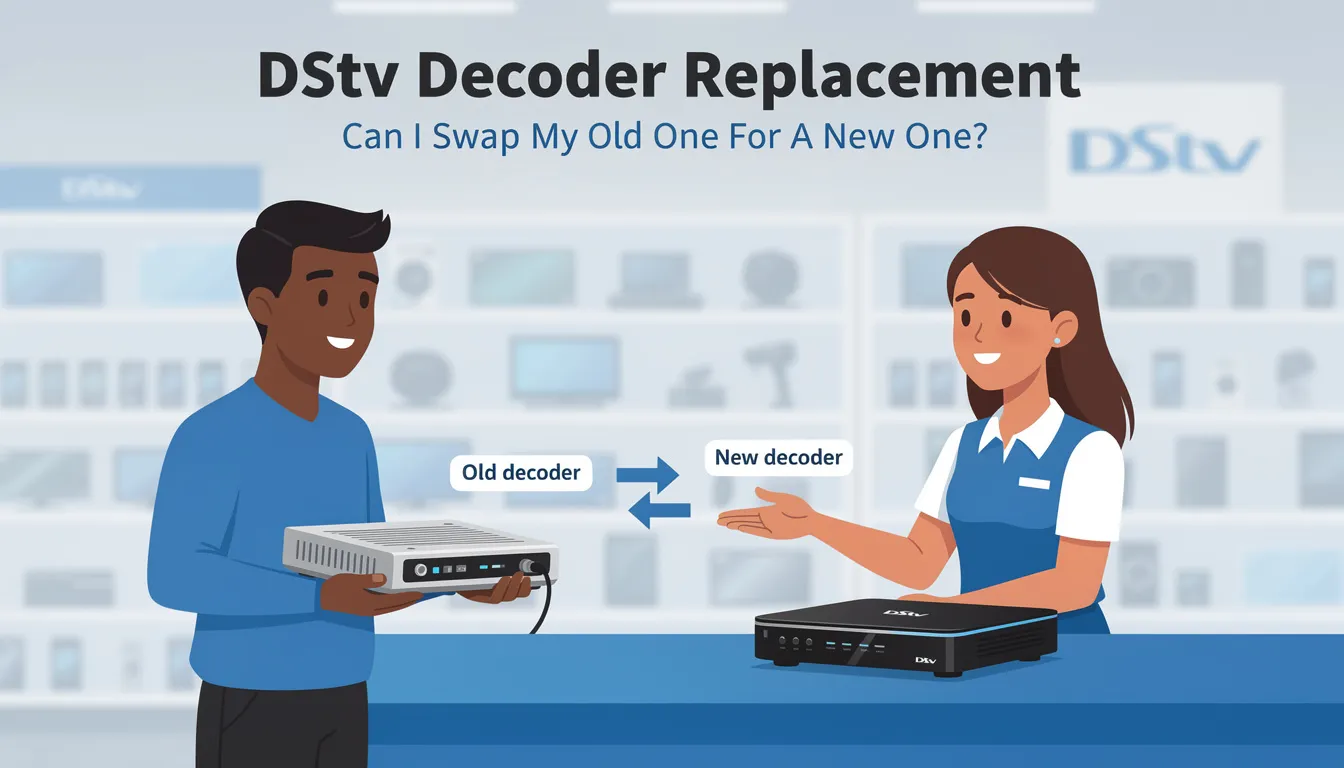
Are you wondering, “Can I swap my old DStv decoder for a new one?” If so, you’re not alone! Many DStv users face issues like outdated features, slow performance, and limited compatibility with newer services. Fortunately, MultiChoice offers decoder swap options, allowing you to upgrade for a better viewing experience. Upgrading your decoder gives you access to premium content, streaming services like Netflix and Showmax, catch-up features, and advanced functionalities, making your entertainment experience more comprehensive and user-friendly.
In this guide, we’ll explain everything you need to know about swapping your old DStv decoder, including eligibility, costs, and how to complete the process effortlessly.
For expert DStv installations, decoder swaps, and professional setup, contact
Explore our DStv installation services for professional decoder swaps, signal troubleshooting, dish installations, and more. Get expert assistance for a seamless viewing experience today! Book your decoder upgrade or installation appointment for convenience and professional service.
Call/WhatsApp: 071 304 6955 Email: info@satdigital.co.za
Get fast, reliable, and affordable DStv services from certified technicians.
Why Should You Upgrade Your DStv Decoder?
Upgrading your DStv decoder isn’t just about getting a newer device—it’s about improving your overall entertainment experience. Here are some key reasons why swapping your decoder might be the right choice:
-
Faster Performance – Newer decoders have better processors, making navigation smooth and responsive.
-
Better Picture & Sound Quality – Upgrade to full HD or even 4K resolution for a clearer, more immersive experience. DStv decoder upgrades can include advanced features like 4K Ultra HD and Dolby Atmos sound technology, delivering cinema-quality visuals and audio at home.
-
More Storage Space – If you enjoy recording shows, new DStv Explora models offer much larger storage capacity and let you record multiple shows while watching another channel.
-
Smart Features – Internet connectivity, streaming apps, and remote recording options are available on newer models. Modern decoders provide access to a wider range of channels, premium content, and streaming services like Netflix and Showmax, all from your DStv device.
-
Compatibility with DStv Updates – Older decoders may not support new software updates, leading to service limitations.
-
DStv offers various decoder models, such as the DStv HD Decoder, Explora 3B, and Explora Ultra, each designed to meet different viewing needs and preferences.
-
Upgrading your DStv decoder can provide access to premium features and content, ensuring you get the most out of your subscription.
-
The difference a professional upgrade makes is significant—expert installation ensures your equipment and cables are set up correctly for optimal performance, reliability, and tailored solutions to your needs.
-
Proper cables and equipment setup are essential for the best viewing and sound quality, preventing future issues and ensuring a tidy, secure installation.
Decoder Options
Can You Swap Your Old DStv Decoder?
Yes, MultiChoice allows users to swap certain old DStv decoders for newer models. However, the swap is subject to eligibility requirements and, in some cases, may involve a fee. The replacement process is straightforward—if your decoder is broken or outdated, you can replace or trade in your old equipment for a discounted upgrade, such as moving to a DStv Explora or HD Decoder. Trade-in costs for upgrading vary depending on the model; for example, replacing an old SD PVR with an Explora typically costs around R599. Local DStv installers can help you change or upgrade your decoder quickly and efficiently, ensuring minimal downtime and tailored service for your area.
Which DStv Decoders Qualify for a Swap?
MultiChoice usually allows swaps for decoders that are outdated or no longer supported. These include:
-
DStv SD PVR – This model is no longer supported, and users are encouraged to upgrade.
-
Older DStv Explora Models – If you have a first-generation Explora, you can upgrade to a newer version.
-
Old Single View HD Decoders – If your decoder is several years old, it may qualify for a swap.
You can upgrade to a DStv HD Decoder or Explora decoder at a discounted rate if your old decoder is broken or outdated.
If you’re unsure whether your decoder qualifies, visit a MultiChoice service center or consult a professional DStv installer for assistance.
How to Swap Your DStv Decoder
Swapping your old decoder for a new one is easy if you follow these steps: Make sure you have all the necessary equipment, including your decoder, remote, smartcard, and all cables, ready for the swap.
-
Disconnect your old decoder from the power supply and TV.
-
Take your old decoder, remote, smartcard, and any required equipment to your nearest DStv service center for the trade-in or replacement process.
-
Once you receive your new decoder, install it by connecting it to your TV and satellite dish.
-
To replace a DStv decoder, you must unhook the old unit and connect the new one via HDMI and coaxial cable.
-
Power up the new decoder and follow the on-screen setup instructions.
-
If you encounter any issues, contact Sat Digital for expert assistance.
1. Check Your Decoder Model
Before heading to a MultiChoice service center, verify your decoder’s model. You can find the model number on a sticker located at the back or bottom of your device.
2. Backup Your Recordings (If Applicable)
If you use a DStv Explora with recording features, note that your stored recordings are saved on the hard drive and cannot be transferred to a new decoder. Be sure to watch or back up any important content before swapping. If you experience issues with a corrupt hard drive on your DStv Explora, it may be possible to fix it before upgrading.
3. Visit a MultiChoice Service Centre or Authorized Dealer
Take your faulty decoder, smart card, and power supply to a MultiChoice service center or an authorized dealer. You will need to provide the faulty decoder, smartcard, power supply, your ID or passport, and proof of insurance if applicable. They will inspect your decoder and let you know if you qualify for a swap or need to pay an upgrade fee.
4. Pay Any Required Upgrade Fee
Some swaps are free, while others may require a payment. The cost depends on:
-
The model of your old decoder.
-
The type of new decoder you’re upgrading to.
-
Any ongoing promotions from MultiChoice.
You can upgrade your DStv decoder at any time during your subscription without changing your due date. DStv also offers flexible payment plans for decoder upgrades to suit different budgets.
5. Install Your New Decoder
Once you have your new decoder, you’ll need to set it up correctly. Before starting, check all cable connections to ensure everything is secure and properly connected. Installation may involve connecting the decoder to a specific TV point in your home, so make sure you know which TV point you want to use. If you’re unsure how to do it, consider hiring a professional DStv installer for assistance. Professional installation at home includes thorough system testing and tuning, ensuring your cables are neatly managed and your entertainment system works flawlessly.
How Much Does It Cost to Swap a DStv Decoder?
The cost of swapping a decoder varies based on several factors. Sometimes, MultiChoice offers free swaps for outdated models, while other upgrades may come at a discounted price.
For a DStv HD decoder, the cost is R499.00, with installation priced at R1288.00 (including satellite dish, LNB, remote control, and unlimited aerial cable to one point). The Explora 3B decoder costs R2488.00, while the Explora Ultra decoder is R3488.00. Installation for the Explora Ultra decoder is R4988.00, and for the Explora PVR decoder, it is R3988.00—both include a satellite dish, smart LNB, remote control, and unlimited aerial cable to one point. Add-ons like XtraView HD for an existing Explora or DStv HD decoder cost R1699.00, and the XtraView Explora add-on is R3499.00.
Replacement equipment costs are as follows: a DStv decoder power supply starts from R188.00, a DStv remote control from R99.00, and a DStv LNB is R99.00. If you need a callout to your home for DStv repairs or decoder replacement, the cost is R299.00.
Whether you need a DStv HD, Explora decoder, or the advanced Ultra decoder, Sat Digital provides rapid replacement and installation services to ensure minimal downtime for your entertainment system.
Factors That Determine the Cost
-
The Age of Your Current Decoder – Older models often qualify for free or discounted upgrades.
-
The Type of New Decoder You Want – High-end models like the DStv Explora Ultra may require an additional fee.
-
MultiChoice Promotions – Special deals are sometimes available for decoder swaps.
To find out the exact cost for your decoder swap, visit a MultiChoice store or contact an accredited DStv installer for guidance.
What to Do After Upgrading Your DStv Decoder
Once you’ve swapped your decoder, follow these steps to ensure a seamless experience:
-
Activate Your Decoder – Call MultiChoice or use their online activation service. During the DStv decoder upgrade process, your recordings and channel preferences can be transferred to the new decoder for uninterrupted access to your favourite channels.
-
Reconnect Your Subscription – Some new decoders may require adjustments to your subscription package.
-
Check Your Remote Settings – New decoders often come with updated remotes that may have additional features.
-
Ensure Proper Dish Alignment – If you experience signal issues, your satellite dish may need realignment. A professional DStv installer can help with this. Professional installation also includes thorough system testing and tuning after setup to ensure all channels and services are working correctly.
If you need urgent assistance, emergency DStv replacement services are available to minimize entertainment downtime and restore your channels quickly.
Final Thoughts
Swapping your old DStv decoder for a new one is a smart move if you want better performance, improved features, and a hassle-free viewing experience. MultiChoice offers upgrade options for eligible customers, making it easier than ever to stay updated with the latest technology.
If you’re considering an upgrade, check whether your decoder qualifies, visit a MultiChoice service center, and ensure a proper installation. For expert DStv installation and decoder setup, contact Sat Digital DSTV Installers for reliable service today!
By upgrading, you’ll enjoy a smoother, more advanced entertainment experience—so don’t wait, make the switch today!
We offer DStv installation services in Cape Town and surrounding areas, ensuring reliable and professional setups for a seamless viewing experience.
Visit DStv for the latest subscription packages, decoder upgrades, self-service options, and entertainment updates. Stay connected to the best in TV!