DStv Channels Not Showing After Payment: Why Is This Happening?
Is your DStv subscription up-to-date but certain channels are still not showing? This is a common issue that can be caused by a variety of reasons. In this post, we’ll explain why DStv channels may not appear after payment and how to fix the problem quickly.
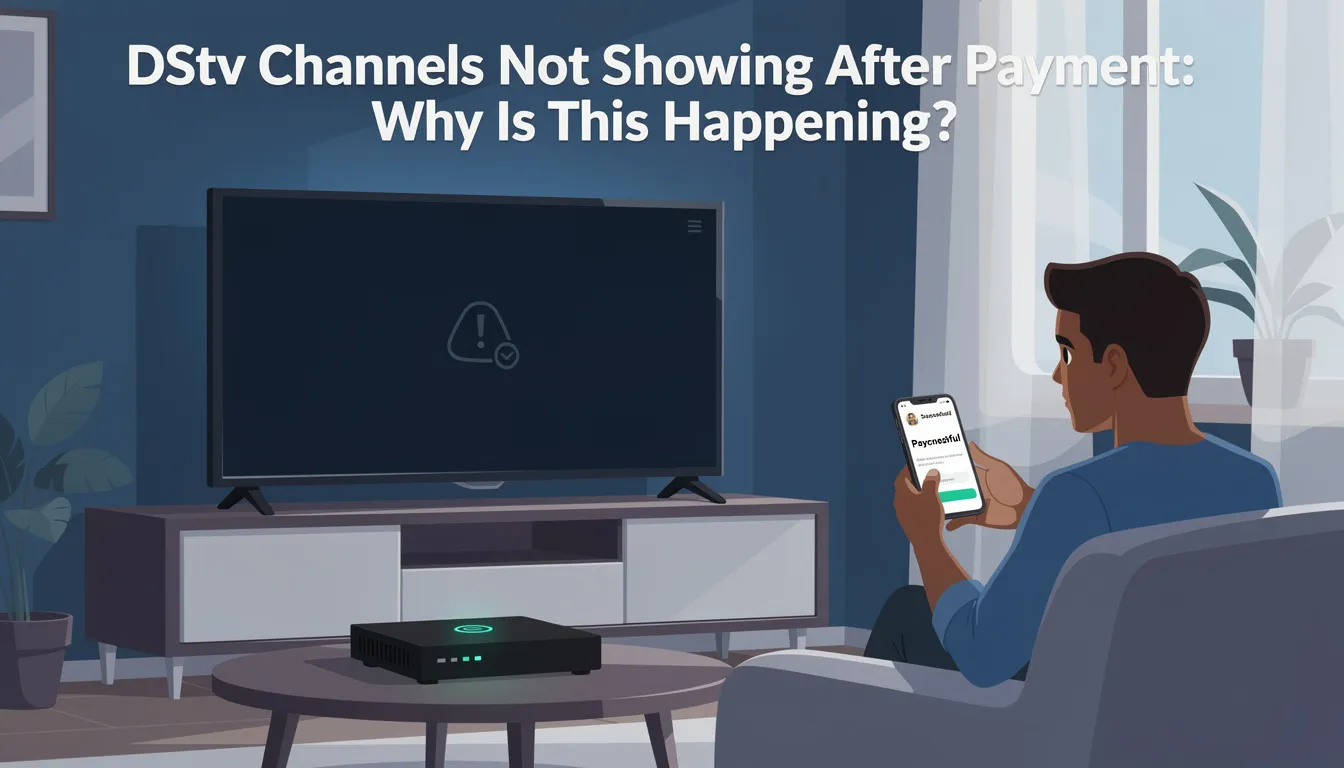
Before starting troubleshooting, check your TV screen for any error code or message. These on-screen error codes or messages can provide important clues about what is causing your DStv channels not to show and help guide you to the right solution.
Introduction to the Issue
Paying for your DStv subscription should mean instant access to all your favorite channels, but sometimes things don’t go as planned. Many subscribers find themselves in a situation where, even after making a payment, their DStv channels are not showing or are missing from their lineup. This can be especially frustrating when you’re eager to watch a live event or catch up on your favorite series.
There are several reasons why this issue might occur. It could be related to your DStv account not updating your subscription status, a payment that hasn’t been processed correctly, or a technical problem with your satellite dish or decoder. Sometimes, an error code will appear on your TV screen, giving you a clue about what’s wrong. Other times, the channels simply won’t show, leaving you wondering what to do next.
To fix the problem and restore access to your DStv channels, it’s important to check your subscription status, verify that your payment has gone through, and ensure your satellite dish is properly aligned. Using the MyDStv app or visiting the DStv website can help you manage your account, clear errors, and even upgrade your package if needed. By following the right steps, you can quickly resolve the issue and get back to watching the channels you love. This guide will walk you through the most common causes and solutions, so you can enjoy uninterrupted DStv service.
Common Reasons Why DStv Is Not Showing Channels After Payment
1. Subscription Not Activated
Why is my DStv not showing channels after payment?, Sometimes, even after you make the payment, it may take time for your DStv account to update. This can result in some channels not showing.
Fix:
-
Wait 10–15 minutes for the channels to activate.
-
If it’s taking longer, reset your decoder or refresh your account via the DStv Self-Service Portal.
Related Read: How to Refresh reboot your Decoder and clearing Errors?
2. Decoder or Dish Issues
Your decoder or satellite dish could be facing issues like misalignment, poor signal, or damage, causing some channels to be unavailable.
Fix:
-
Check dish alignment and ensure it is receiving a strong signal.
-
Inspect the cables for damage or loose connections.
-
Restart your decoder by unplugging it for 5 minutes and plugging it back in.
Related Guide: How to Realign Your DStv Dish
3. Package or Plan Issues
If you recently upgraded or downgraded your DStv Package, some channels may no longer be part of your current subscription.
Fix:
-
Verify your package via the DStv Self-Service Portal.
-
If channels are missing, you may need to upgrade your package for full access.
Related Read: How to Change Your DStv Package
4. Payment Delays or Errors
Payment errors or delays may prevent DStv from processing your subscription correctly, even after you’ve paid.
Fix:
-
Check your payment status via your bank statement or DStv’s self-service portal.
-
If payment was processed but channels are still missing, contact DStv support for assistance.
DStv Installation Services Contact Technician
Managing Your DStv Account with Technology
Managing your DStv account has never been easier, thanks to the latest technology and digital tools designed to put you in control of your viewing experience. Whether you’re at home or on the go, the DStv app—available for both Android and iOS devices—lets you check your subscription status, pay for your DStv package, and even clear errors directly from your TV screen. With just a few taps, you can verify your account details, review your current subscription plan, and upgrade or downgrade your DStv package to suit your needs.
The MyDStv app is another powerful tool that allows you to manage your DStv account effortlessly. Through the app, you can monitor your subscription, check your account balance, and ensure your decoder is always up to date. If your service has expired, you can quickly reconnect and restore access to your favorite DStv channels without waiting for customer support.
For those who prefer using a computer, the DStv website offers a comprehensive self-service platform. Here, you can sign in to your account, check your subscription status, pay for your package, and resolve any issues with your satellite dish or decoder. The website also provides easy-to-follow guides to help you fix errors, upgrade your plan, and download the latest software for your decoder, ensuring your DStv service runs smoothly.
If you encounter any problems or need assistance, DStv’s customer service team is just a click or call away. You can reach out via the DStv website, connect through Facebook, or call the helpline for expert support. The DStv app and website also feature step-by-step instructions to help you check your signal strength, clear error codes, and manage your account with confidence.
By embracing these digital tools, you can save time, quickly resolve any issues, and enjoy uninterrupted access to all your DStv channels. Managing your DStv subscription has never been more convenient—giving you more time to watch, relax, and enjoy the best in entertainment.
How to Fix DStv Channels Not Showing After Payment: Quick Steps
-
Check subscription status on DStv Self-Service Portal.
-
Wait 15 minutes for activation.
-
Reset your decoder (unplug for 5 minutes).
-
Inspect cables and dish for issues.
-
Verify payment status through DStv or your bank.
-
If no resolution, contact DStv support.
Need Professional Assistance with DStv Issues?
If you’re still facing problems, it’s time to contact an expert. Our Sat Digital technicians can provide on-site troubleshooting and installation services.
Call/WhatsApp: 071 304 6955
Email: info@satdigital.co.za
Website: www.satdigital.co.za
Book a Service: DStv Installation & Troubleshooting
Conclusion
If DStv is not showing channels after payment, don’t panic. Most issues are related to account activation, signal issues, or package mismatches. By following the steps in this guide, you can resolve the issue and get back to enjoying your favorite shows. For expert assistance, contact Sat Digital for DStv installations, repairs, and troubleshooting.
Related Articles: